How to save time and teach programming more effectively
09 February, 2022


Are you a programming instructor looking to save time and improve the effectiveness of your teaching?
Teaching programming can be daunting, as students often struggle to navigate various topics. So, it’s essential to explore innovative and practical approaches that promote a better understanding of programming concepts.
In this blog post, we explore two techniques that can help: real-time coding and a combination of manual and automatic grading. We will also discuss the importance of providing effective feedback and support to students.
Let’s help students learn to program better and faster!
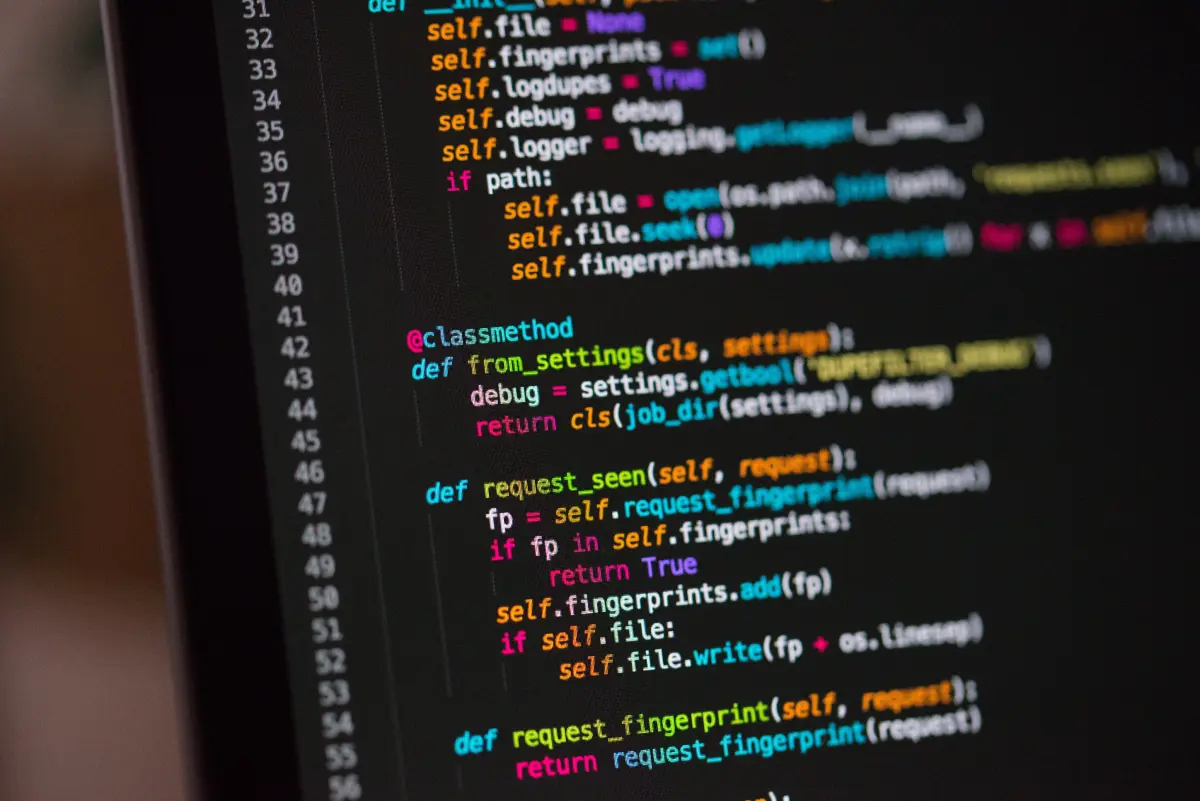
Real-time coding involves live programming while verbalizing the process, making the learning process more active than traditional methods such as using slides to teach. As your students watch, ensure you talk about the mental process of identifying the problems, troubleshoot errors, pause to ask questions, and let students predict the code. Real-time coding helps students identify and solve a problem step by step, and learners see that instructors can make mistakes, boosting confidence in their abilities.
There are several benefits to using real-time coding in your teaching.
The execution of real-time coding involves writing a computer program in front of your students, showing the programming process, and not revealing a perfect solution.
To implement real-time coding, you need to:
There are different ways to execute real-time coding. The following process is one way.
You can record the live coding sessions so students can revisit the content. Using real-time coding in your teaching approach can make a significant impact on performance. As shown in a 2014 study, implementing active learning increased student performance in engineering, science, and mathematics. The results indicated that lectures increased failure rates, while active learning improved examination performance.
Combining manual and automatic grading tools provides deeper insights and enables personalized student feedback. With auto-grading, you can quickly receive feedback on code assignments, while manual grading allows for in-line comments and the use of rubrics to evaluate more open-ended questions.
Manual grading is particularly useful for an essay or text-based questions, allowing you to grade these types of assignments manually from your dashboard.
Automatic grading involves a system that grades assignments in a digital learning environment. Students can use this system to check the accuracy of their program assignments. With automatic grading, you can specify the language, libraries, compilers, or other dependencies you want to evaluate. You can create an autograder script and other supporting codes, and the platform will run your automatic grader at scale, distributing the results to both you and your students.
The following strategies will help you create practical automated feedback activities.
Effective feedback is an ongoing communication, assessment, and adjustment process. Mere praise or criticism isn't enough. Instead, you must respond to your student's work and support improvement. Collaborative workspaces enable feedback, brainstorming, and sharing of research materials, private notes, and thoughts, enhancing productivity and critical thinking.
Effective feedback is:
There are two effective ways to support your learners in programming: using peer instruction and pair programming. By employing these techniques, learners can absorb course content more effectively. Let’s take a closer look at how they work.
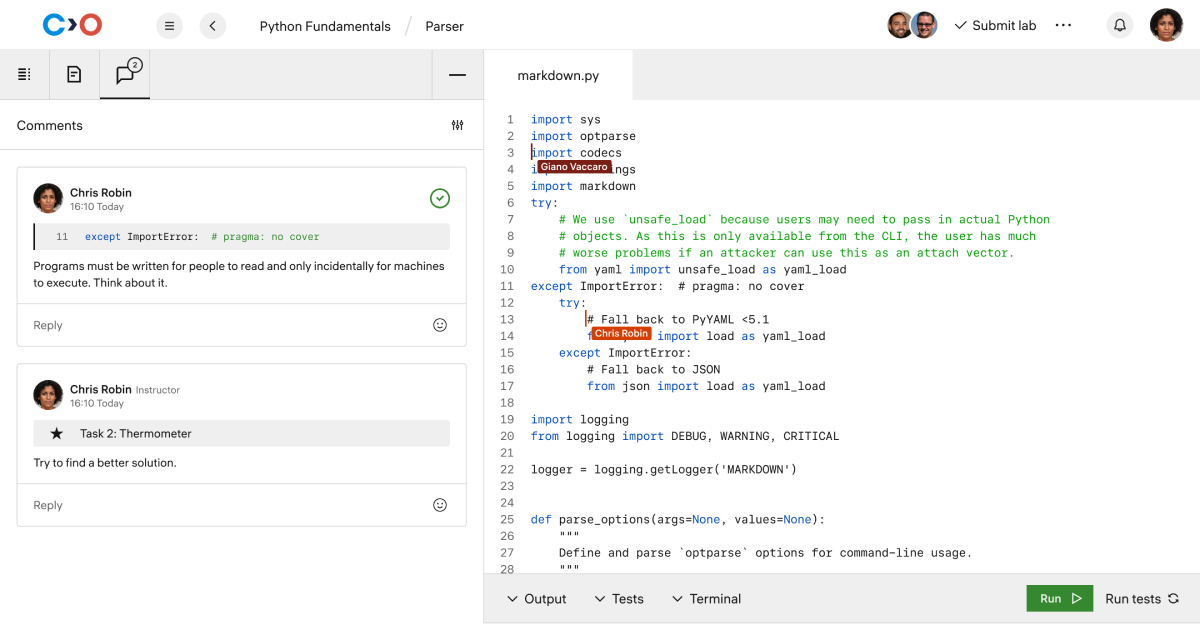
Peer instruction is a scalable and time-efficient teaching method that involves, but is not limited to, the following steps:
This process provides learners with direct mentorship and allows them to clarify their thoughts. A 2020 study analyzed student answers and confidence before and after discussion, finding that peer instruction increased accuracy and improvement in correctness levels, particularly for challenging questions.
Collaborative programming services are a powerful tool for teaching programming. They allow you to work with your students in real-time, providing a more engaging and effective learning experience. Here are three types of collaborative programming services to consider:
Pair programming is a technique where two or more programmers work together on a single project, sharing an integrated development environment (IDE) tool or screen. This approach helps students learn how to program in real-life scenarios, where they can collaborate, help each other, and clarify misunderstandings when errors occur. Beginners can learn from more experienced students, and experienced students can deepen their understanding by explaining concepts.
Swarm programming is where an entire team collaborates on a single project in a remote collaborative IDE. This approach is practical when multiple people must work on the same codebase simultaneously. It allows for real-time collaboration and problem-solving, making it an excellent fit for large teams working on complex projects.
Collaborative programming services can also be used for training and mentoring. By inviting others to your project, you can show and explain the code to them, helping them understand the project's architecture and logic. This approach is great for classroom settings or online coding interviews, where you can provide feedback and guidance in real-time.
Teaching programming can be challenging, but incorporating real-time coding, manual and automatic grading, and effective feedback can make the process more efficient and effective. Real-time coding enables students to see the programming process in action, manual and automatic grading saves time while providing instant feedback, and effective feedback supports student learning and improvement.
Coding Lab provides all these tools and more to help educators teach programming more effectively. The platform allows for collaborative editing and communication, both manual and automatic grading, and provides a space for effective feedback and support.
So, if you're an educator looking to teach programming more efficiently and effectively, give Coding Lab a try.
Request a demo today and see how it can transform your classroom.