Constructor Learning monthly update: May 2024
13 May, 2024


This month's update includes added features to:
Course authors and instructors now have the ability to differentiate between optional and mandatory activities of a course. To mark an activity as optional, they enable the corresponding flag in the Content flow settings of the course composition. Optional items are not necessary for completing the course, which gives learners the flexibility to choose whether to complete or skip them while still receiving credit.
At the same time, optional activities can be included into the total score calculation. Successfully completing these activities allows learners to earn additional points beyond the minimum required.
Authors can also define whether these optional activities should be included in the calculation of the overall course progress.
In the SDK, we have added a fullscreen alert to block the use of a second monitor during exams. The alert is displayed if the exam settings prohibit additional monitors, and the user attempts to connect one.
The Reply to option, previously available in the web app, has now been added to the SDK. Now customers using the SDK also have this functionality in the exam chats. It helps learners respond to specific messages, enhancing their communication during exams.
Image sending functionality in the learner chat, previously available in the web app, has now been added to the SDK. Now, learners of customers using the SDK can attach images to the chat.
We've implemented a solution for users whose selected language in the LMS is not supported by our application. In such cases, the application automatically switches to the default language, which is English. This ensures that users across different countries can easily navigate the interface and complete all necessary steps before the exam.
La modalità di supervisione per l'interfaccia del proctor ora include la visualizzazione del video dalla seconda telecamera. Questo miglioramento semplifica il compito di monitorare gli studenti per i proctor. Possono facilmente passare da un flusso video all'altro, visualizzare i video a schermo intero e osservare meglio l'ambiente circostante di uno studente.
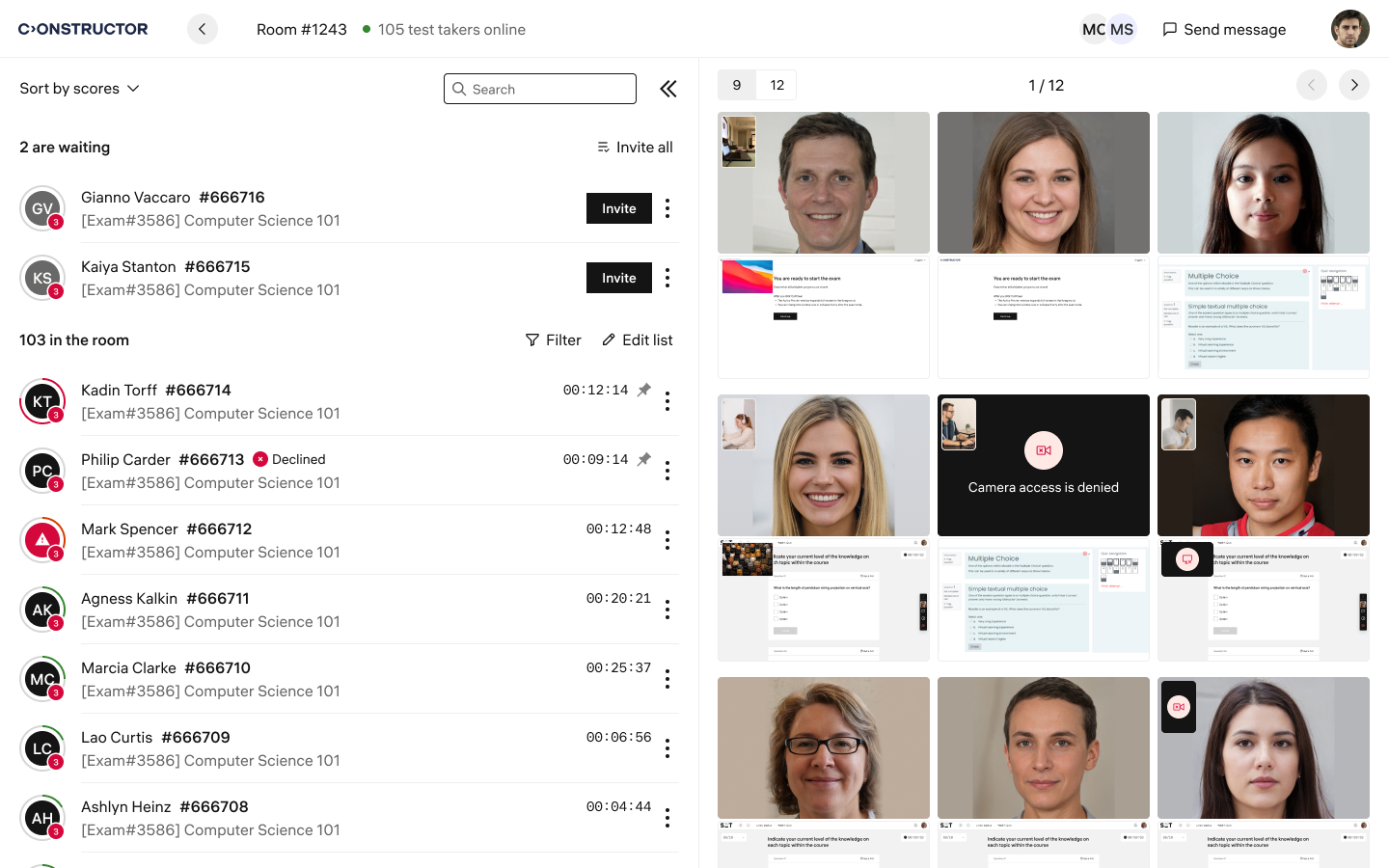
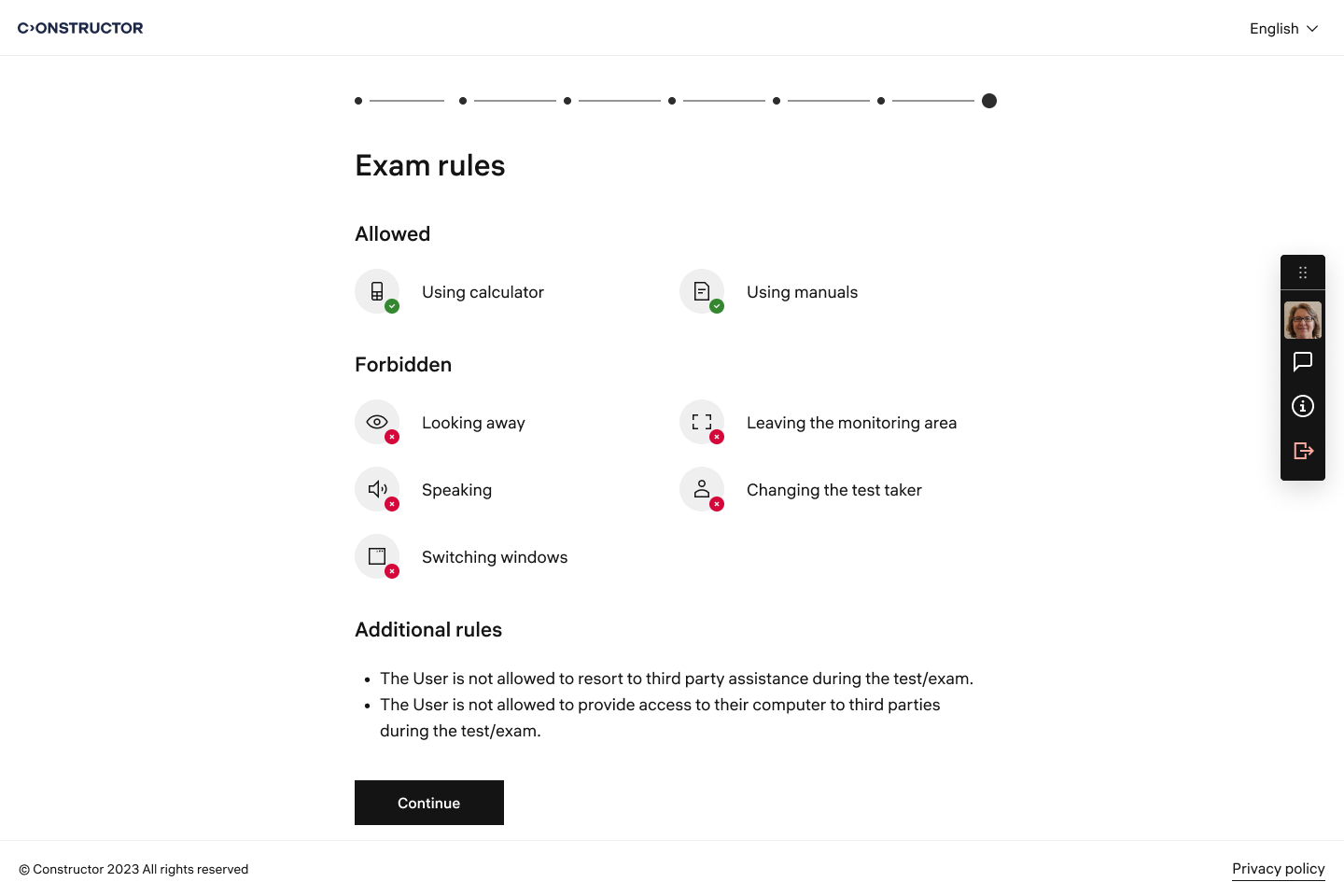
Abbiamo aggiornato la pagina delle regole dell'esame per adattarla allo stile unificato degli elementi principali nell'interfaccia dell'applicazione.
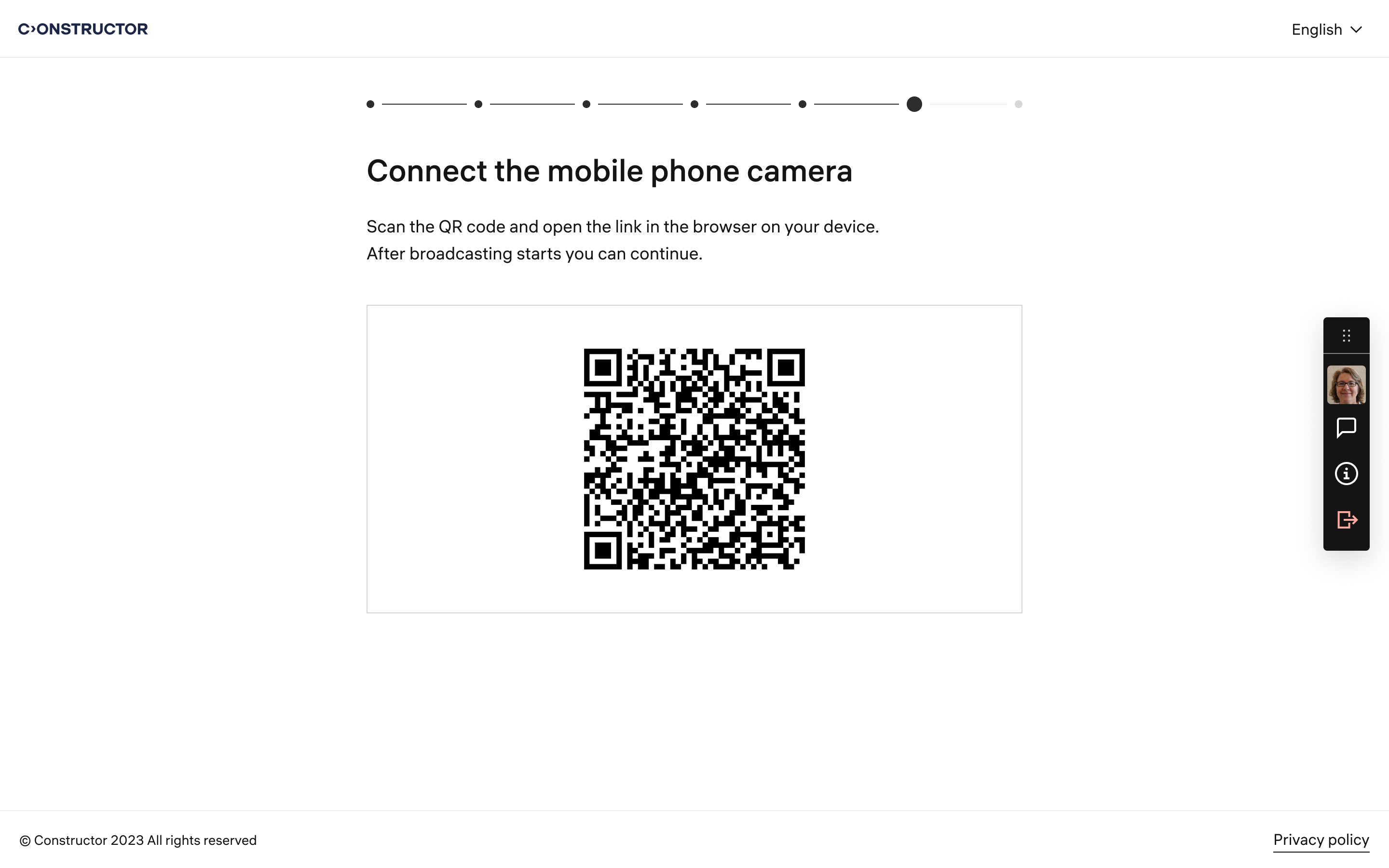
Abbiamo aggiornato la pagina della telecamera ausiliare per adattarla allo stile unificato degli elementi principali nell'interfaccia dell'applicazione.