Practice
Software and IT
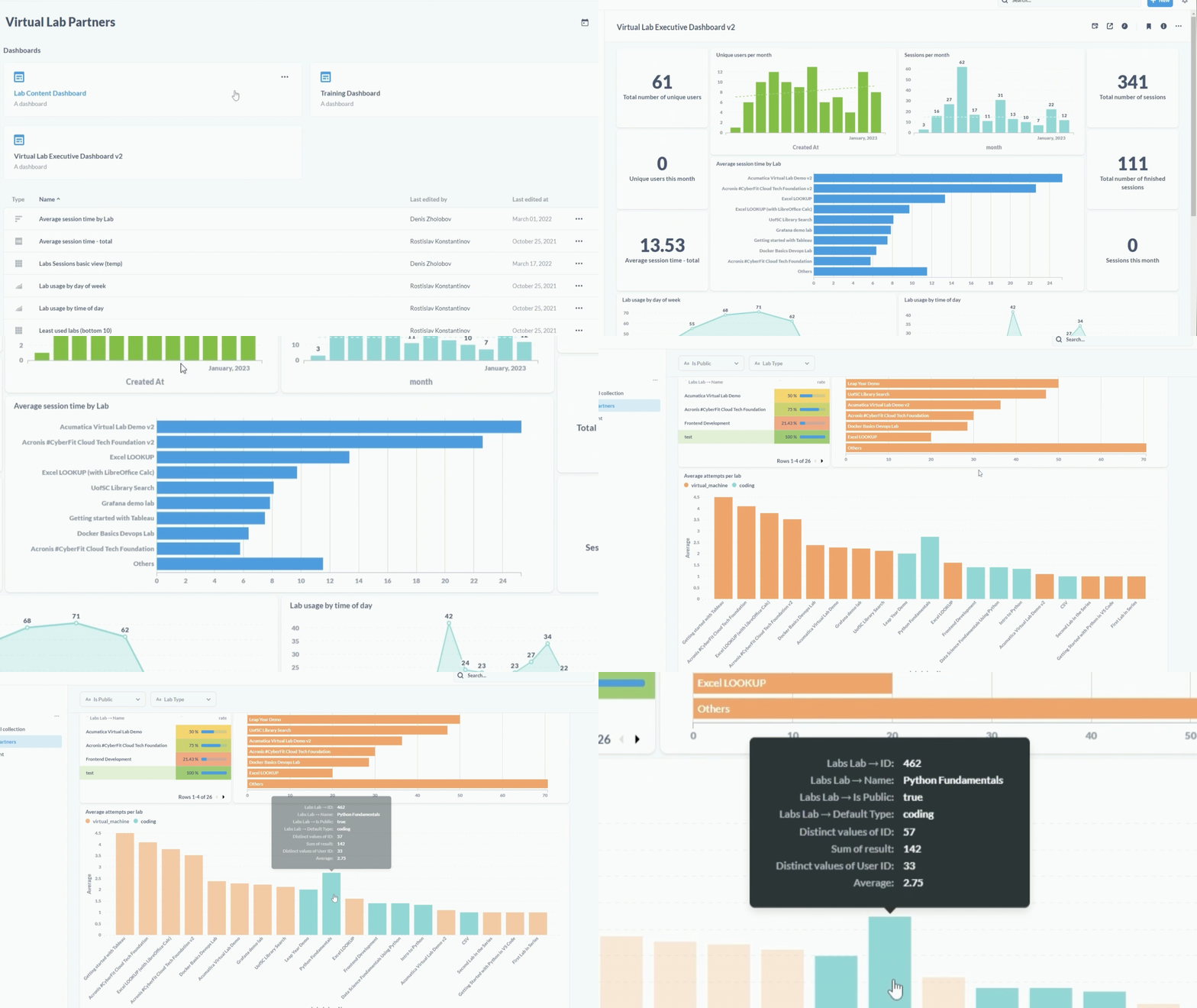
Provide comprehensive product on-boarding across desktop, server, and web applications
Contact salesWatch video


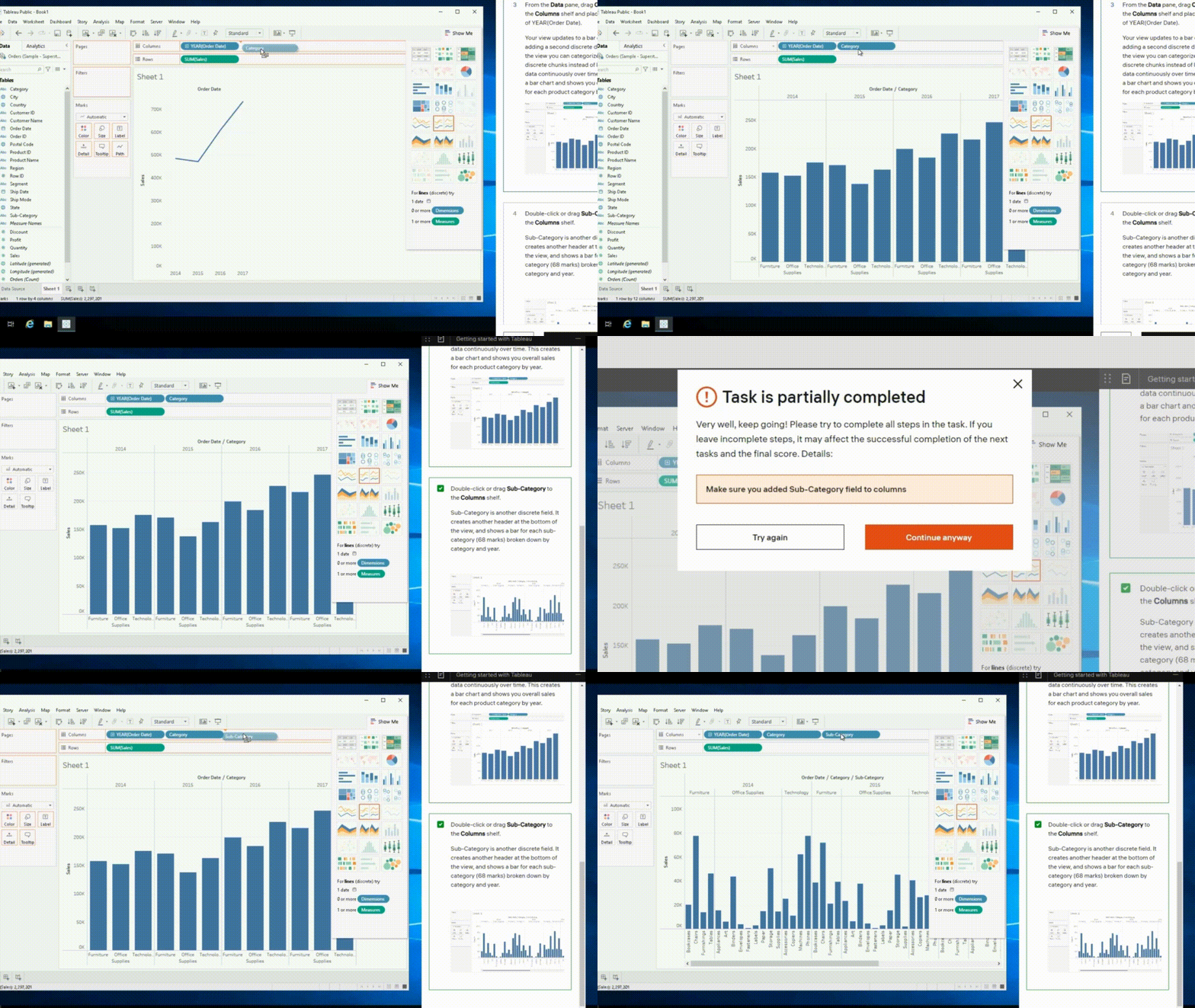
Automated grading with instant feedback and pervasive analytics to enhance lab experience and track student performance.
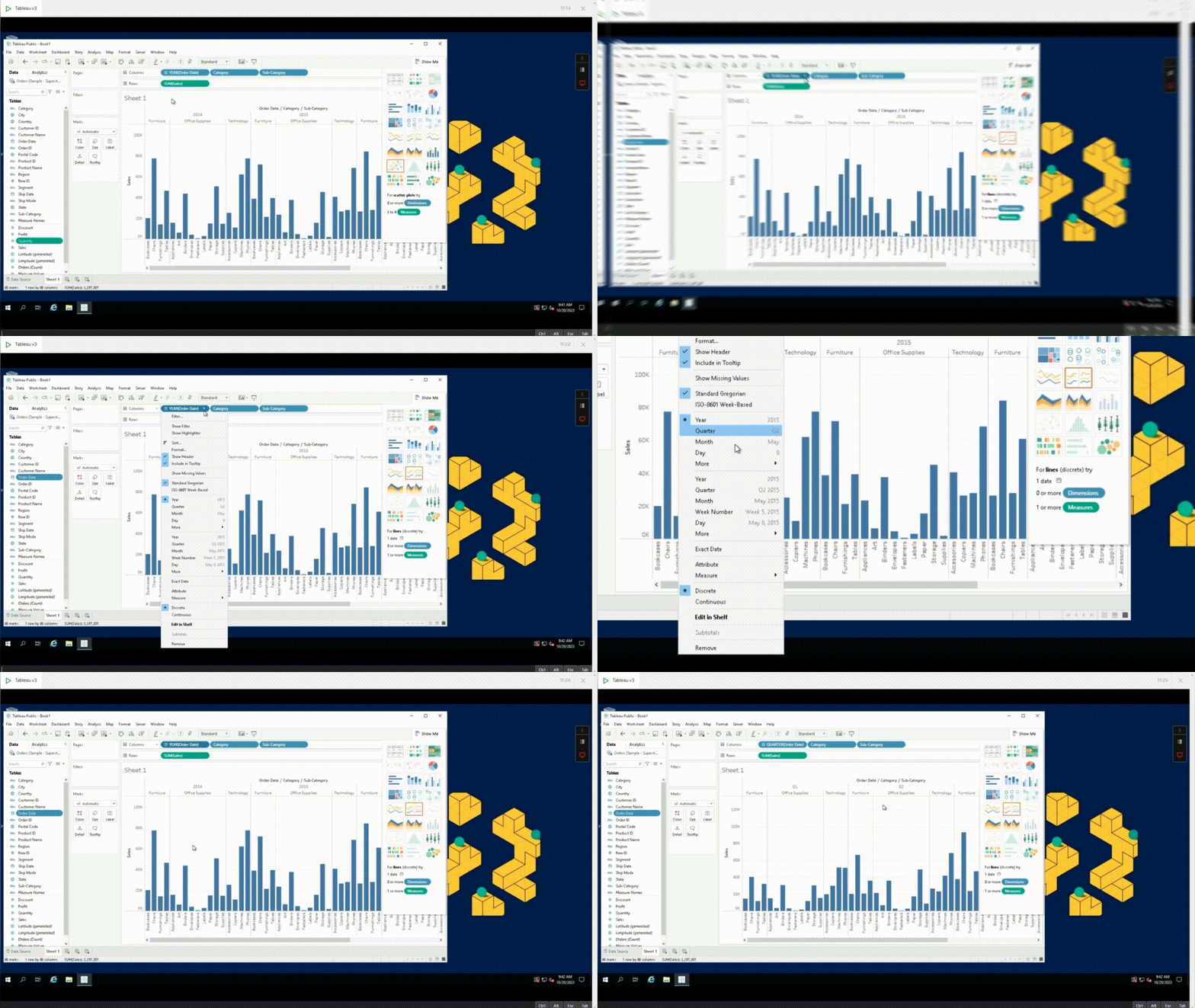
Allow your virtual instructors to guide learners through remote setup and provide Real-time collaboration for group-based assignments.
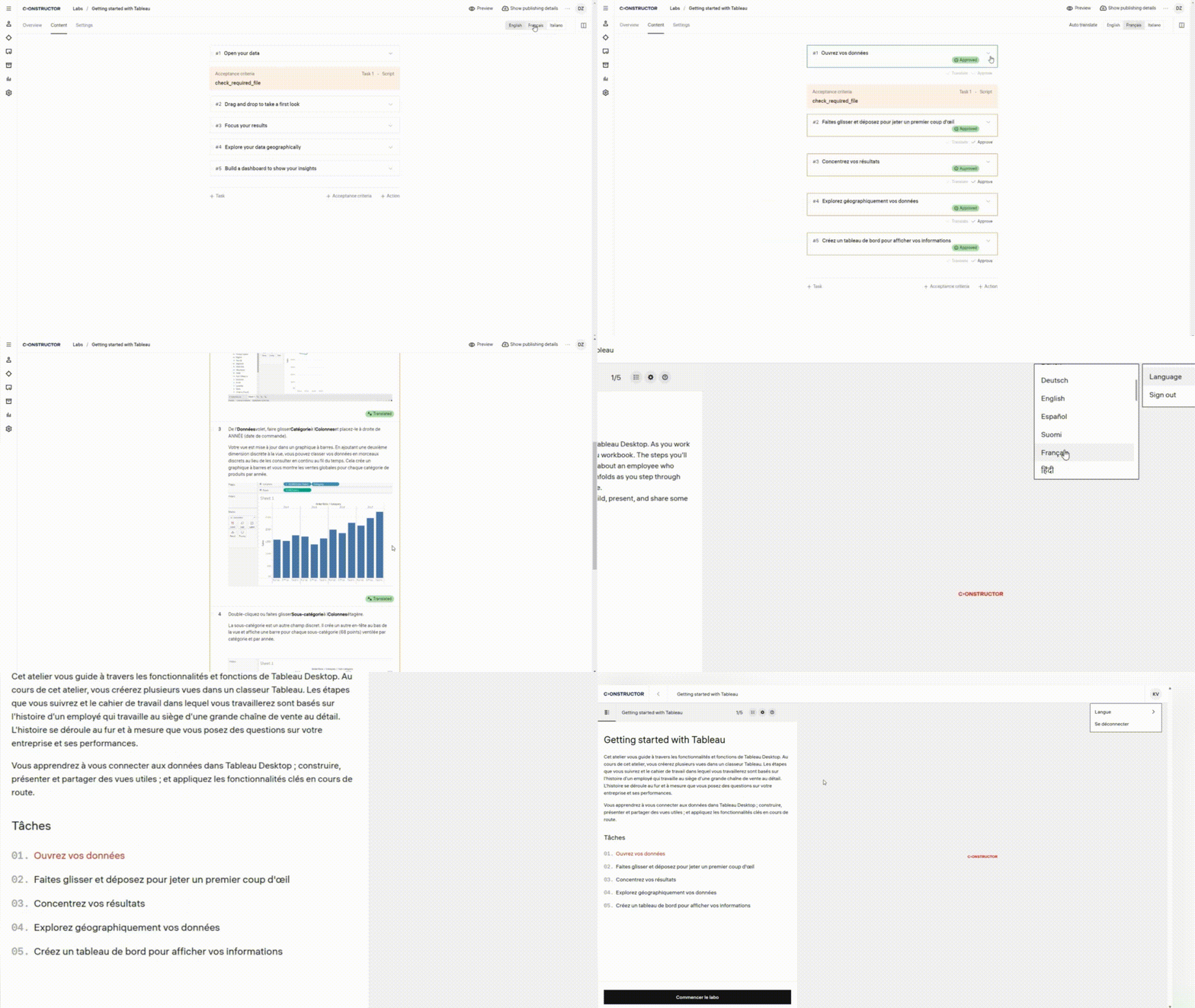
Enhance your training by translating it into 24+ languages using auto-translation
Utilize pre-configured templates for commonly used software applications, enabling users to swiftly deploy virtual instances, reducing setup time and effort.
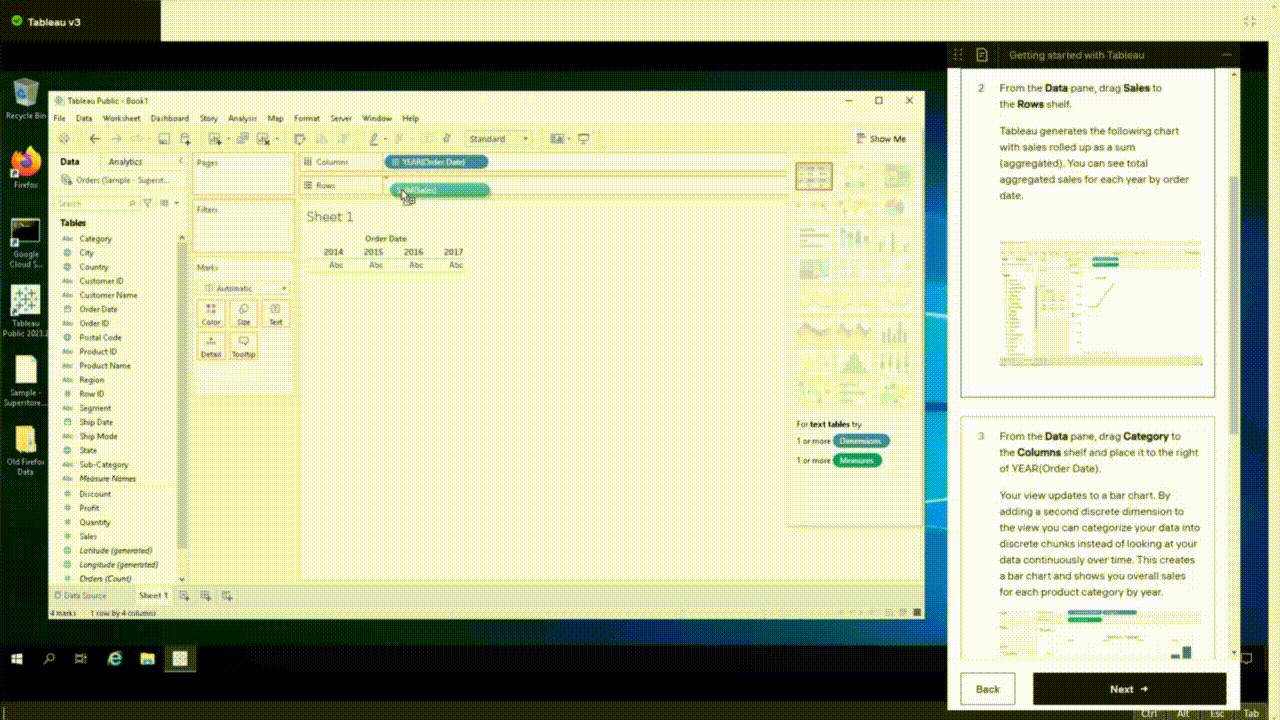
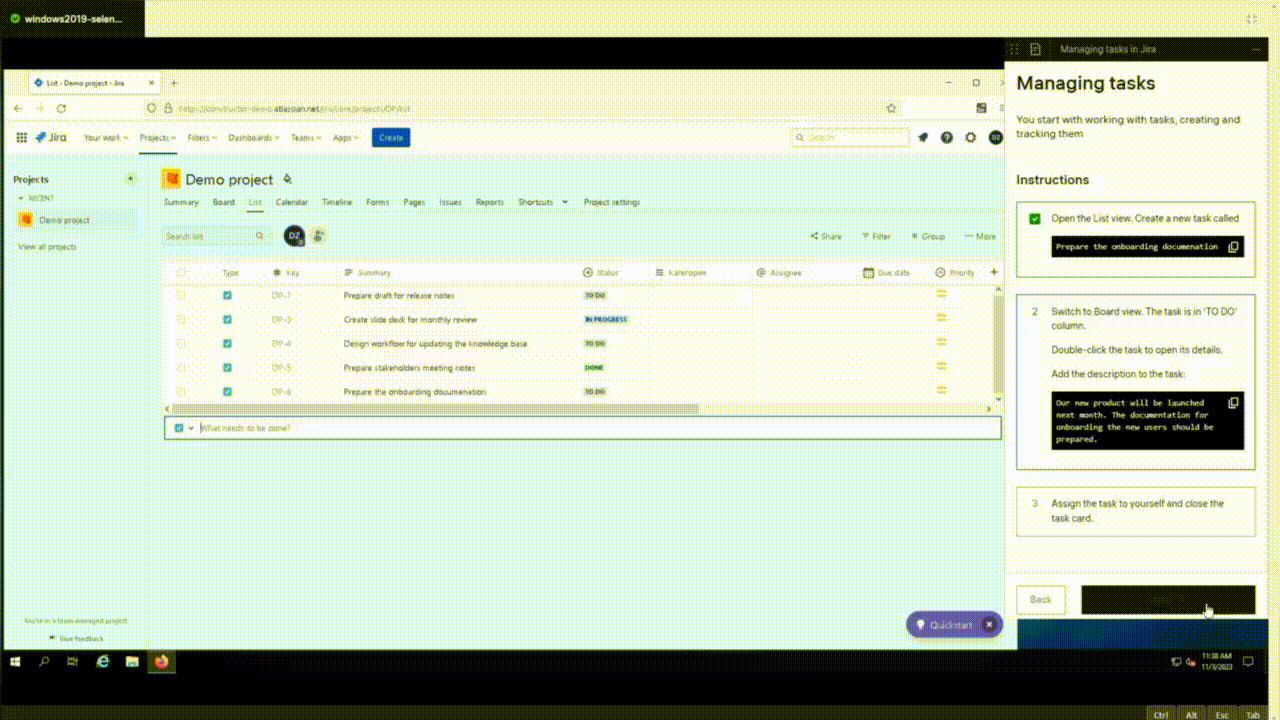
Deliver versatile training by providing sandbox environments for hands-on experience, challenges for problem-solving, and step-by-step instructions to guide trainees through practical tasks.
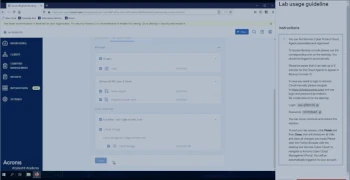
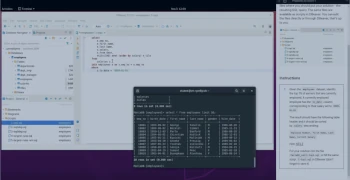
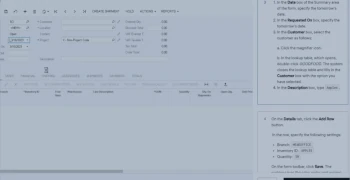
Enable employees to acquire practical experience in a safe and controlled setting for technical and IT education, including platforms like SAP, Oracle, Salesforce, Tableau, Office, etc.
Boost students' problem-solving capabilities through online instruction in software applications like AutoCAD, LabVIEW, MATLAB, ArcGis, SolidWorks.
Enhance students' technical skills through virtual training in Linux, Kubernetes, SQL, AWS, Azure and cybersecurity software.
Oversee and actively participate in students' virtual practice sessions to provide online instructions for data visualization and business intelligence softwares like Tableau
“Constructor Practice helps us to better train the Acronis global ecosystem. It enables us to provide real use cases and live scenarios and scale significantly the number of partners we onboard.”
"Our #CyberFit partners benefit greatly from Constructor Practice. It offers a pre-installed and pre-configured Acronis Cyber Protect Cloud solution, saving costs, and ensuring access to the latest product version for quick and effortless testing and demos."
“Constructor Practice is a game-changer for our organization. It enables us to streamline our operations and increase our productivity.”
Traditional labs require physical hardware and can be hard to deploy and maintain. Constructor Practice is hosted online and can be accessed from anywhere at any time. It provides scalability, ease of deployment, and a safe environment for experimentation without the risk of affecting live systems.
Yes, our Constructor Practice is fully customizable. You can configure the virtual machines, networking, and installed applications to match your specific requirements for training, delivery, or demonstrations. Additionally, you can automatically customize the environment for each student, like providing one-time limited accounts for the cloud software or introducing randomized challenges.
We offer comprehensive technical support for our Constructor Practice, including extensive onboarding and setup assistance, troubleshooting, and ongoing maintenance. Our main goal is to make sure you can successfully implement your virtual training program.
Security is a top priority for our Constructor Practice. We implement industry-standard security measures, including data encryption, secure access controls, and regular security audits to protect your lab environment and data. Each lab user works in an isolated sandboxed environment with configurable access permissions.
Yes, Constructor Practice can be integrated with most Learning Management Systems (LMS) to provide a learning experience. It supports standard integration protocol via LTI and can be configured for custom integrations.
Users will need a stable internet connection and a modern web browser to access the Constructor Practice. There are no specific hardware requirements, as the labs run in the cloud, and there is no need for any special software installations on the user's device.
Constructor Practice is designed to support a wide range of software applications, from common operating systems like Windows and Linux distributions to specialized software for business, education, IT training, cybersecurity, and more. You can use the supplied templates with the most popular software suites or install any software that is necessary for your learning objectives. For Web and SaaS applications we provide a lightweight environment with the embedded browser that allows access to these apps in a controlled and monitored way.