HRSE
"We particularly appreciate the fact that Constructor listens to our needs to develop the product further. We can rely on efficient partners with advanced technology."



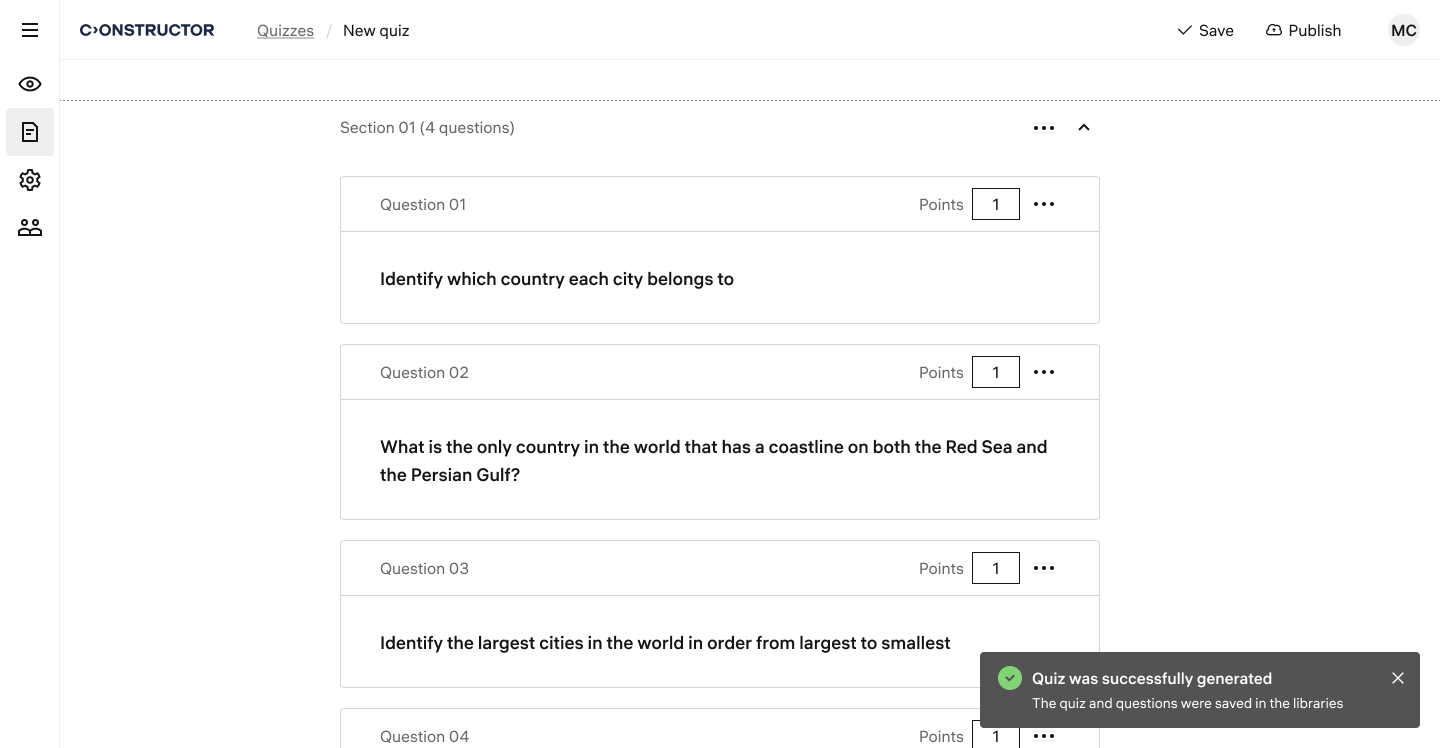
Use AI to generate and customize quiz questions from provided materials.
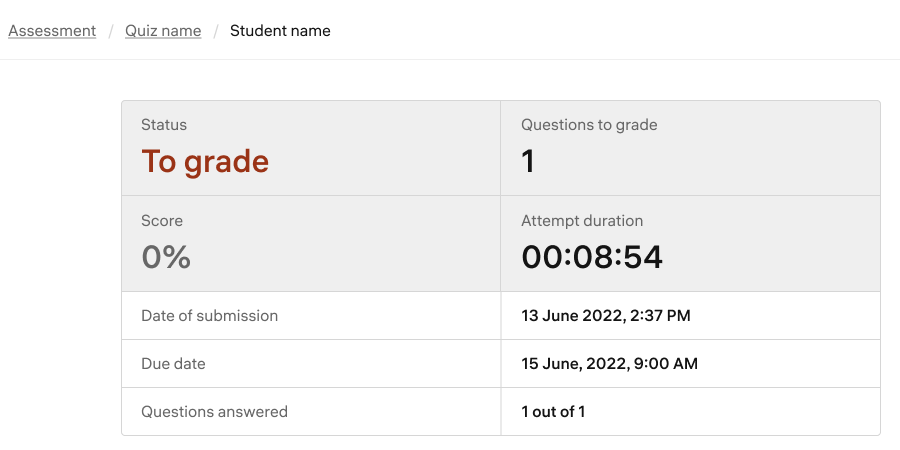
Free up to 13 hours per week by automating grading and lesson planning.
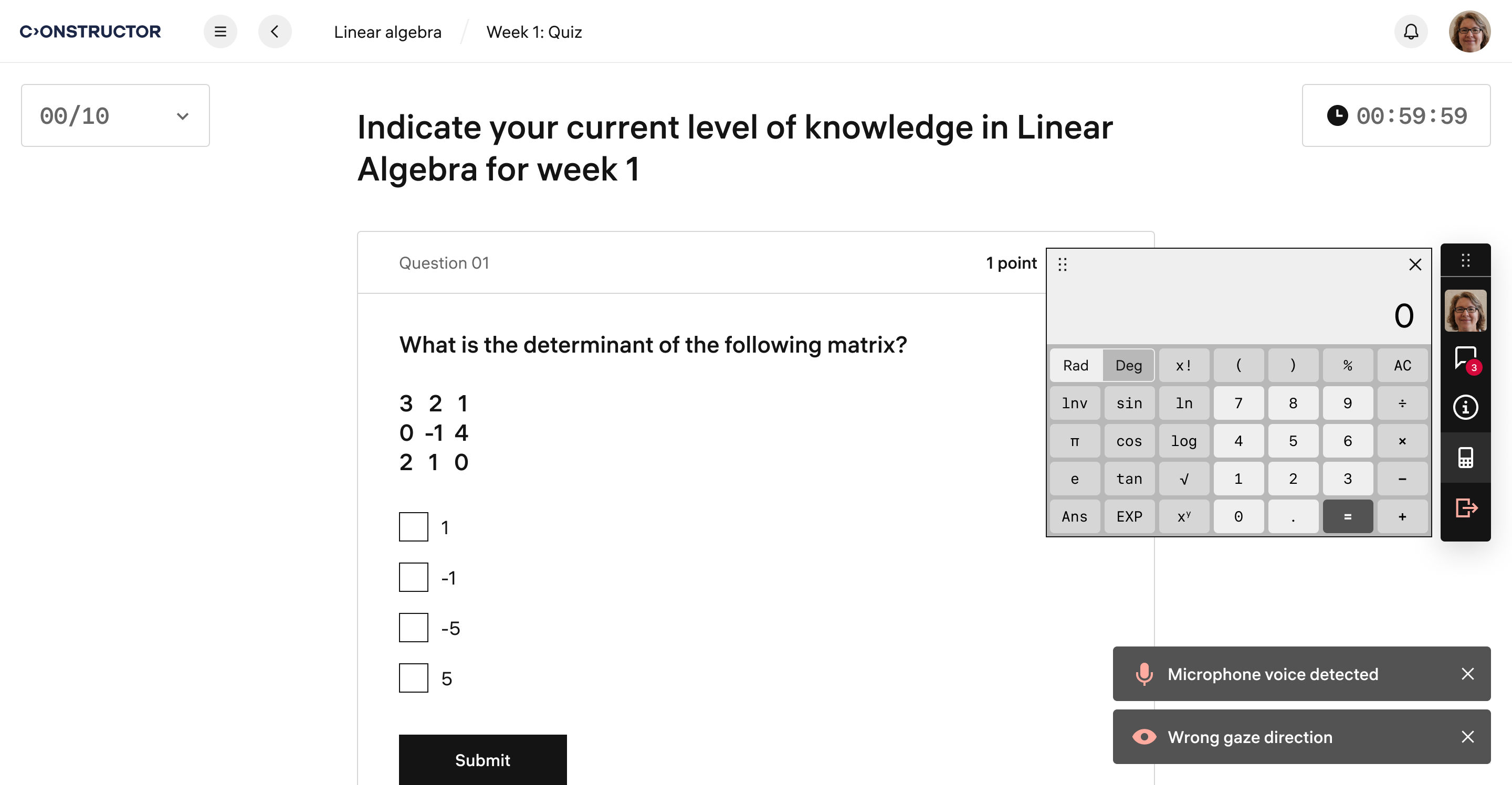
Ensure exam integrity with AI-powered proctoring that detects cheating and plagiarism.
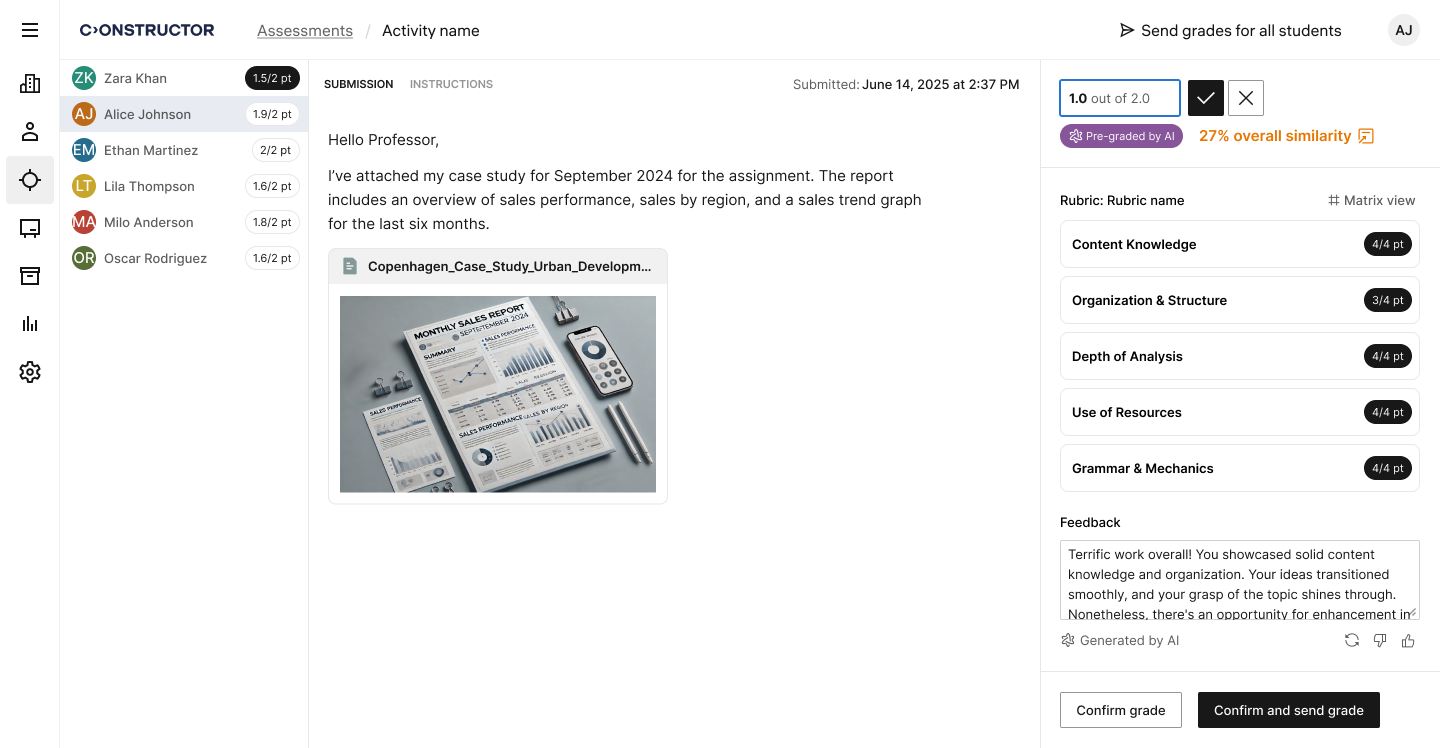
AI automatically generates additional assignments and repetition materials for students based on their weak areas, ensuring mastery of difficult topics.
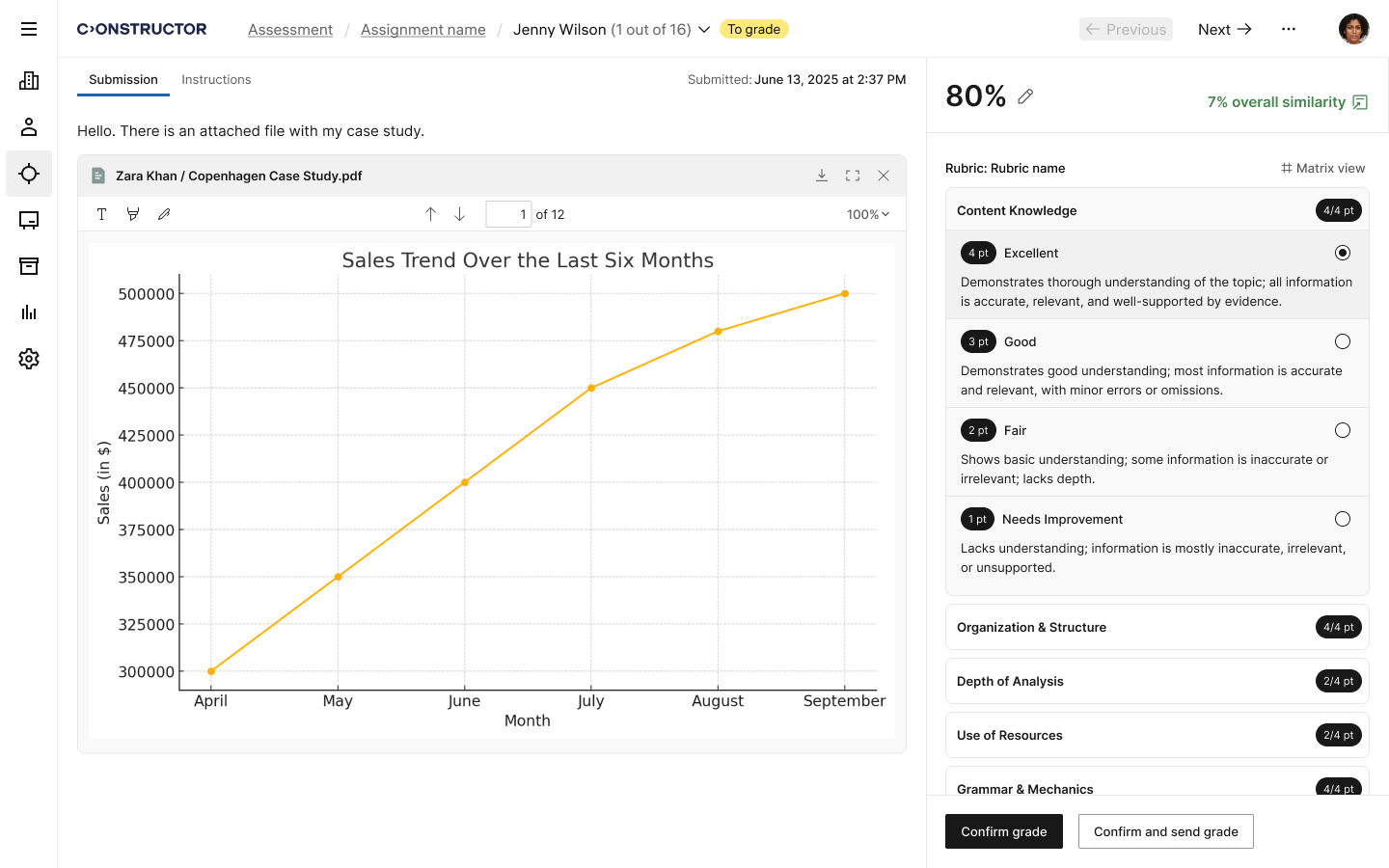
with AI-driven analytics, allowing instructors to see which topics need reinforcement and providing targeted recommendations.
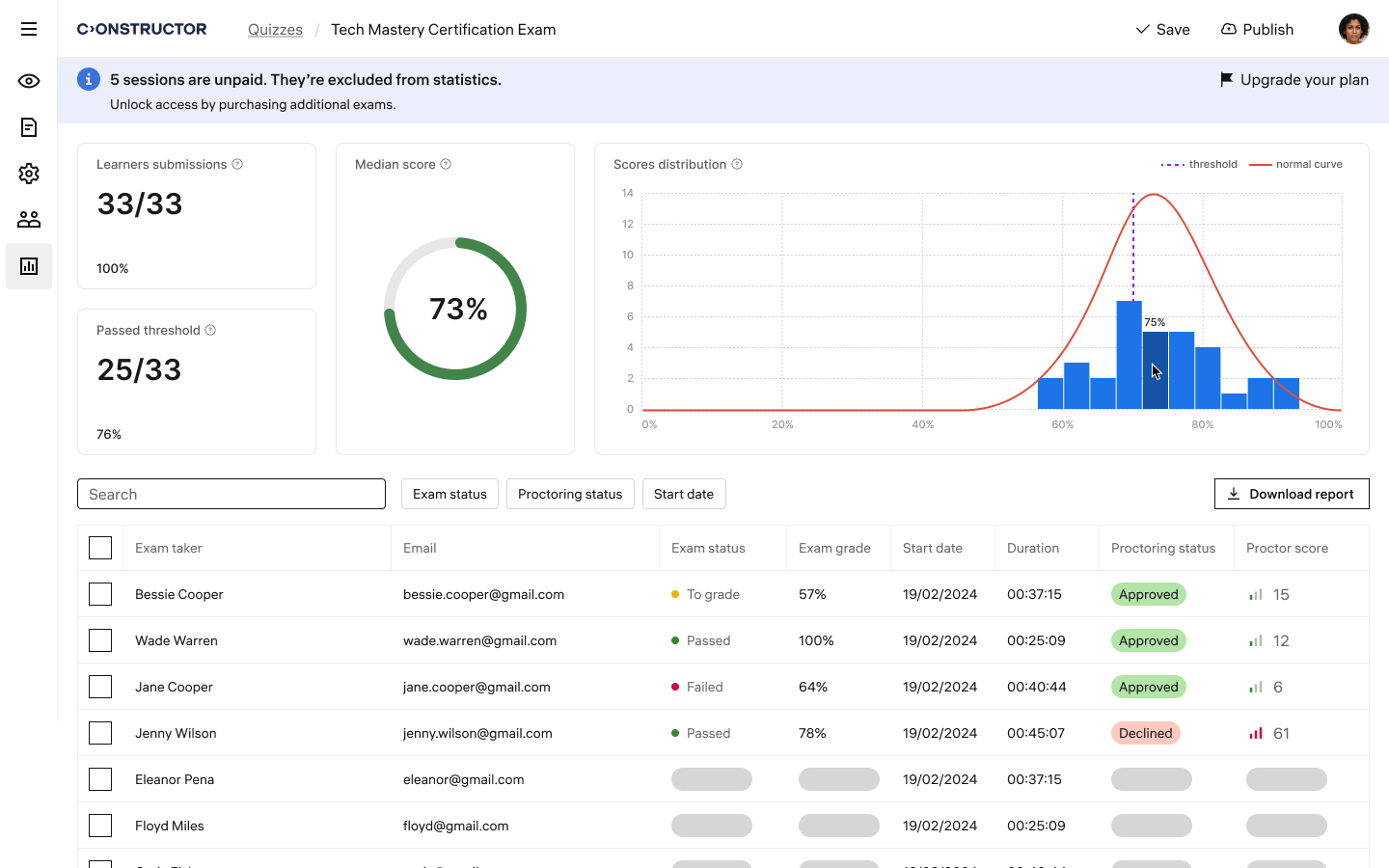
Get real-time data on student performance, detecting struggling individuals or groups before their progress declines.
Sign up and create an account on the Assess
Use AI tools to generate and customize quiz questions and format
Make any necessary adjustments if needed
Add and enroll users who will take the quiz
Conduct the exam with online proctoring to ensure integrity and prevent cheating
Verify and confirm the AI-assisted grading of the exam

Prevent unauthorized access and block external applications for a cheat-proof environment.

Choose from 7 question types to create engaging and effective assessments.

Instantly identify and flag duplicate content to maintain exam originality and credibility.
Recognize student mastery with certification programs highlighting both academic and practical skills, ensuring career readiness.
Promote comprehensive learning through capstone projects and portfolios, allowing students to showcase their cumulative knowledge and skills.
Incorporate real-world scenarios into assessments to prepare students for careers, bridging the gap between academic learning and practical application.

"We particularly appreciate the fact that Constructor listens to our needs to develop the product further. We can rely on efficient partners with advanced technology."

“We were impressed with the technical expertise and problem-solving skills demonstrated by the Constructor Proctor team throughout the integration process. We believe that this level of knowledge sets Constructor apart from others in the industry and gives us confidence in our ongoing partnership.”


With Constructor Assess, you can create tests manually, generate them using AI, or import your existing quizzes for a experience.
Not yet, but we’re working on it. Adaptive assessments will be available in Q2 2025.
Constructor Assess supports various question types for AI-generated tests, including:
For manually created tests, Constructor Assess supports:
Currently, integration with other LMS platforms is not available for Constructor Assess. However, integration with LMSs is available through Constructor Proctor.
Constructor Assess lets you automatically create assessments from your existing materials, saving you time and simplifying the process.
The subscription for Assess and Proctor is $50 per month, covering 10 exams. Additional exam packages are available if needed. Proctor can be purchased separately, with pricing based on the number of exams and specific requirements.