Research computing platform buyer's guide: compute, reproducibility, and data control
What to check before you choose where your research teams compute, store data, and share results


A research computing platform should let researchers run heavy computation, rerun past experiments, and share results without a cluster administrator in every step. Check 6 things: how researchers get GPU and HPC, whether environments are versioned, which IDEs are built in, how sharing is scoped, whether AI tools train on your data, and where the platform can be hosted.
Constructor Research covers each of these: cloud, HPC, and GPU on demand plus your own hardware, versioned environments with an image registry, Jupyter and VS Code, project-scoped sharing, and hosting in Constructor Cloud, a private cloud, or on-premise, with compute on your own servers. Teams that want to build and operate their own notebook service often start with open-source JupyterHub instead.
Each row names a question to ask every provider, why it matters, and how Constructor Research answers it today.
Swipe to see all columns
| What to check | Why it matters | How Constructor Research handles it |
|---|---|---|
1. Compute access | Waiting on queues, scripts, or one administrator slows every project |  Cloud, HPC, and GPU on demand, with multi-cloud orchestration |
2. Your own hardware | Many institutions already run a cluster they want to keep using | Connects your own hardware next to cloud capacity |
3. Reproducible environments | Environments drift, so last year's experiment can no longer be rerun | Pre-configured, versioned environments, with container builds and an image registry |
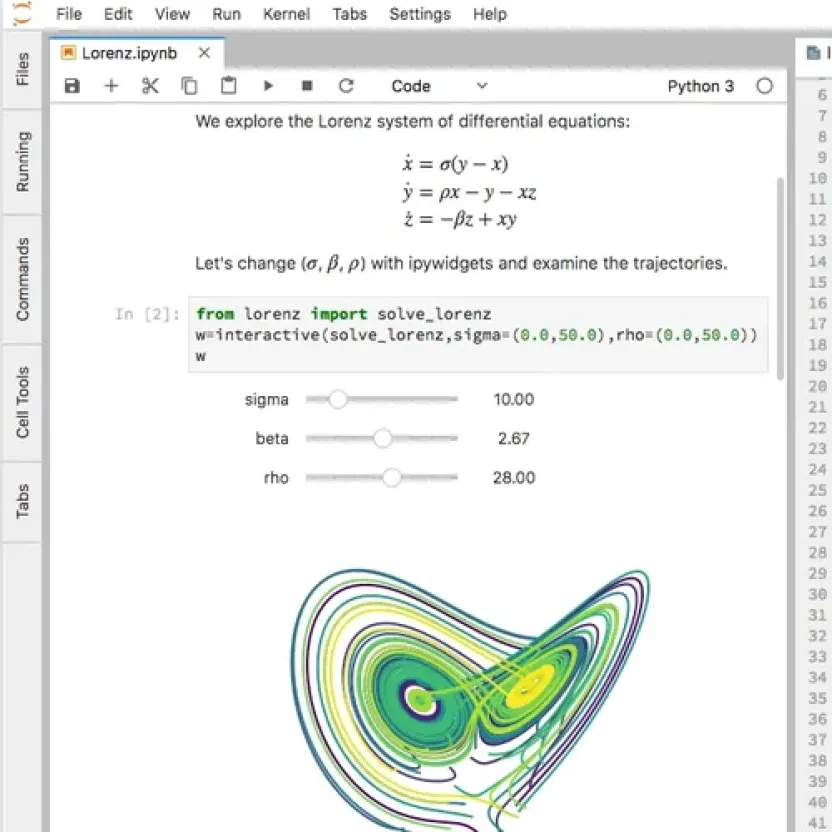
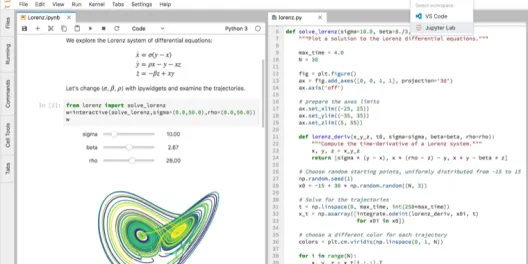
4. Interfaces | Researchers work faster in the IDEs they already know | Jupyter and VS Code built in |
5. Sharing and access | Partners should see only the project they work on | Secure storage with project-scoped sharing |
6. Automation | Setting up recurring runs by hand costs time and introduces errors | Templates, workflow automation, a REST API with API keys, and an MCP server for Hypothesis |
7. Literature and AI | AI answers help only when they trace back to papers you can check | Hypothesis: search papers by idea, with claims and methods compared across papers |
8. AI and your data | Unpublished results and IP must not end up in someone else's model | Your data is never used to train models |
9. Hosting | Some projects require data to stay in your own infrastructure | Constructor Cloud, a private cloud, on-premise, or air-gapped deployment as your project's classification requires, with compute on your own servers over SSH and encryption in transit and at rest |
10. Who operates the stack | Some teams want to run and modify every layer themselves | A managed platform; teams that want to run their own stack often choose open-source JupyterHub |
Compute, code, data, and results sit in one workspace instead of separate servers, IDEs, and storage. A Python SDK saves and loads data catalog datasets from code.
Versioned environments and a built-in image registry mean experiments can be rerun on the same setup. Ready environments also cover chemoinformatics, molecular dynamics, protein modeling, DFT, and PyTorch or TensorFlow with CUDA drivers.
Hypothesis searches papers by idea and compares their claims and methods, so answers trace back to specific papers.
Researchers choose a pre-configured environment, open it in Jupyter Lab or VS Code, and run the code on cloud, HPC, or GPU capacity. The environment is versioned, so collaborators with project access can rerun the same experiment and check the result.
Bring a typical workload. We will show how it runs in Constructor Research, which compute it uses, and how a colleague reruns it.