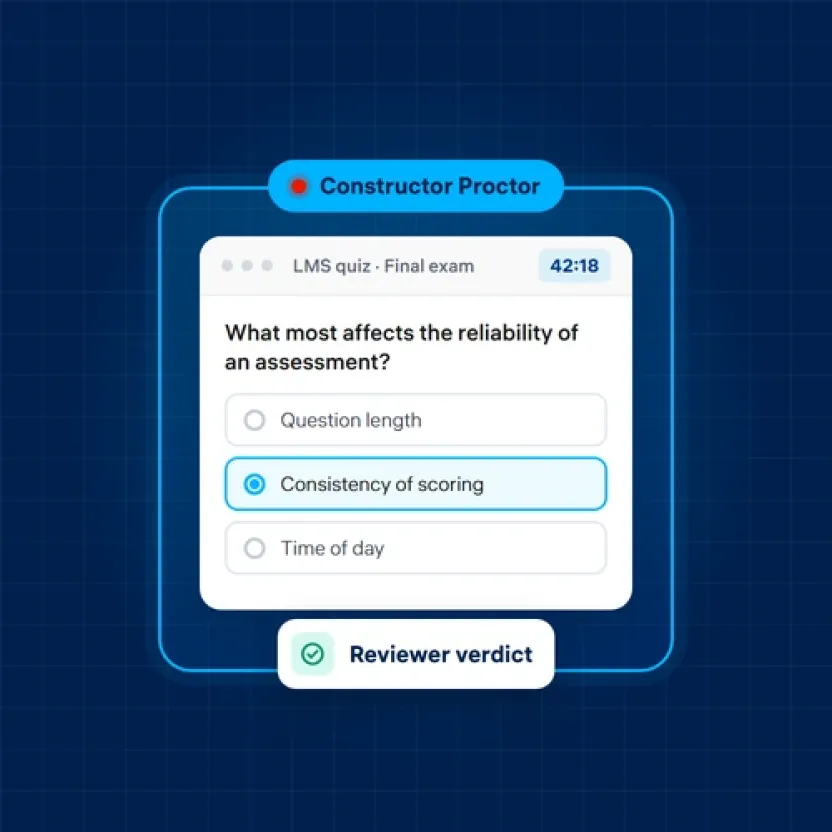
Proctoring for your LMS quizzes, without buying a new assessment platform
06 November, 2026


Your quizzes already live in your LMS. Your faculty know how to build them, your students know where to find them, and your grades flow back without anyone touching a spreadsheet. So when the conversation about exam security turns into a conversation about replacing all of that, it's fair to ask why.
More institutions are asking it. Proctoring is increasingly sold as part of a full assessment suite, which means a university that only wanted to supervise its exams is suddenly evaluating a new authoring tool, a new gradebook, and a new migration project. For a lot of teams, that's the wrong trade.
No. Proctoring and assessment authoring are two separate jobs. The assessment platform is where questions are written, delivered, and graded. Proctoring is the supervision layer around the exam: checking who is sitting it, watching for unusual behavior, and giving staff evidence to make a decision afterwards.
If your LMS quiz tool already handles question types, timing, and grading the way you need, a standalone proctoring product can sit on top of it. Students open the quiz where they always do, and the supervision starts with it.
A dedicated assessment platform earns its cost when you need things your LMS can't do well, such as large-scale onsite exam halls, complex marking workflows, or heavy question-bank governance. If none of that is on your list, the quiz engine in Brightspace, Moodle, or a similar LMS is usually enough.
A quick test:
If all three are true, you have a proctoring problem, not an assessment platform problem.
Look for LTI 1.3 and a listing in your LMS's own app marketplace, so setup goes through your LMS admin rather than a custom project.
A weekly practice quiz and a final exam don't need the same oversight. Choose live supervision, identity check only, record and review, or fully automated, exam by exam.
Face photo, ID document, both, or none, set per exam.
Automated flags for a second person in the room, an extra display, or forbidden software only help if reviewers can work through them quickly and record a verdict.
Session reports with a timeline of what happened and when, exportable for your records.
For exams where students shouldn't be able to open other apps.
Constructor Tech builds connected tools for teaching, learning, and assessment that institutions can adopt one at a time. Constructor Proctor is the part that supervises online exams, and it can run stand-alone on top of the LMS you already use.
Constructor Proctor is listed in the D2L Brightspace Integration Hub as an LTI 1.3 tool, so Brightspace quizzes stay exactly where they are. For each exam, your team chooses the supervision level (live, identification only, record and review, or fully automated) and the identity check (face photo, ID document, both, or skipped).
During the exam, Constructor Proctor flags unusual moments, such as a second person, looking away from the screen, an extra display, or forbidden software, and gives each session a suspicion score. Afterwards, reviewers go through the flagged sessions with a checklist and give each one a verdict: clean, suspicious, or rules violation. Session and exam reports, with a timeline of violations, are available as HTML or PDF and can be exported to your archive. For higher-stakes exams, the secure exam browser for Windows and Mac locks the testing environment.
Your quiz, your gradebook, and your faculty's workflow don't change. The supervision does.
It's a proctoring change, not an assessment migration. Your questions, gradebook, and course setup stay in your LMS; only the supervision layer changes. Here are six steps for the switch, including mid-year.
Bring your LMS, your exam calendar, and your review model to a Constructor Proctor demonstration. We'll walk through how it fits your quizzes and define a pilot with your team.