May 2025 update
May 26, 2025


We’re introducing a powerful new feature in this release: automated Knowledge Model creation for every published course. This enables administrators to activate AI chat widgets, letting learners interact with course content using a conversational interface.
AI tutor
We’ve taken a big step forward in enhancing learning support with AI by introducing the following features:
This release also includes enhancements that improve usability, localization, and performance:
We’ve focused on enhancing security, streamlining live proctoring, and delivering a smoother experience for both learners and proctors.
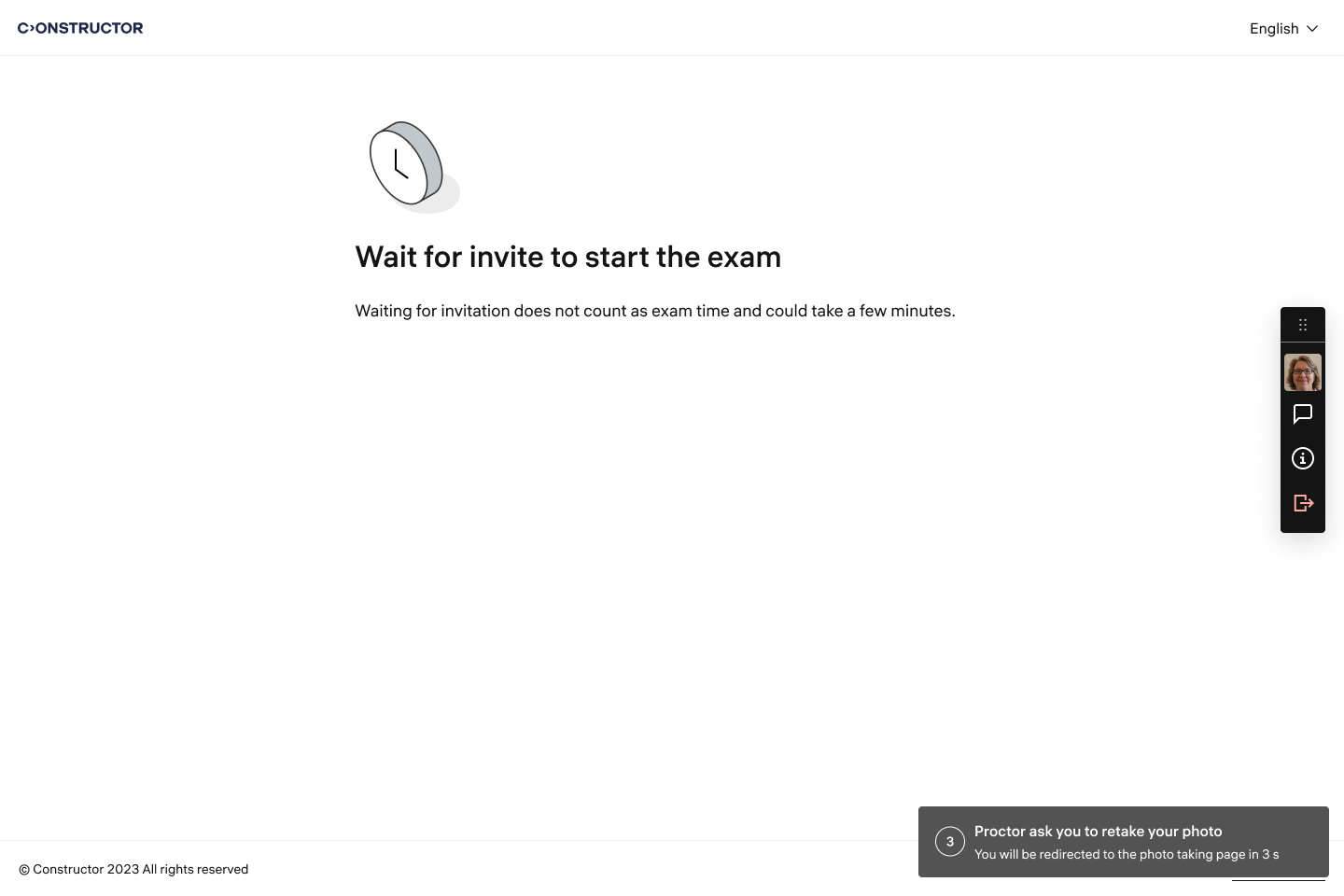
The interface now offers separate controls for requesting ID and face photo retakes, plus a set of predefined quick‑chat messages so proctors can respond in seconds.
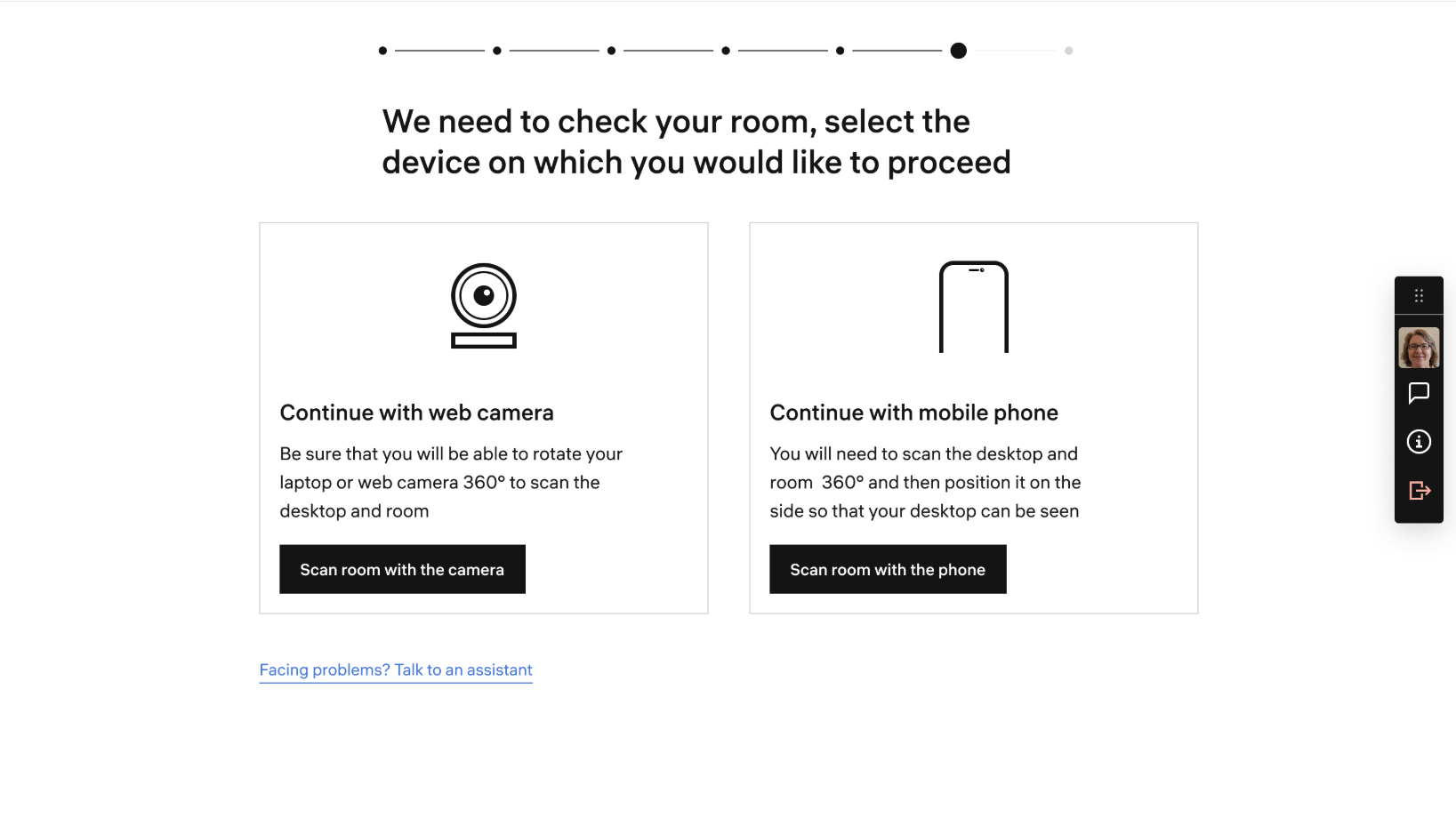
Learners can perform a 360° room scan with their mobile device for secure environment verification. Enable it through the integration API parameter allowRoomScanAuxCamera=true.
Single‑device enforcement:
Constructor Proctor now blocks attempts to launch the same exam session from multiple devices. Learners are notified instantly if they try, protecting exam integrity.
Microphone selection:
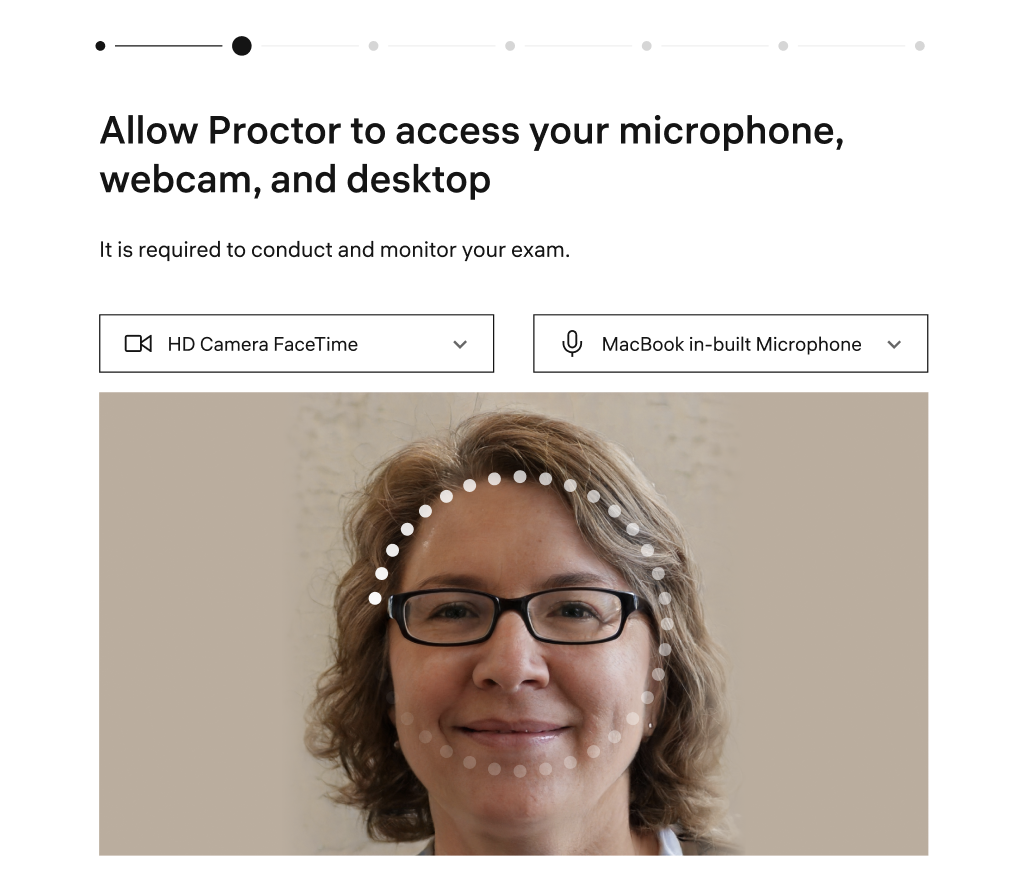
Learners can choose their preferred microphone during the system check (config: allowMicSelection).
Auto‑opening chat:
Any new proctor message now opens the chat window automatically, so critical instructions are never missed.
A new “Waiting Time” column appears in reports, showing minutes between a learner reaching the waiting room and a proctor joining the session, giving you visibility into service levels.
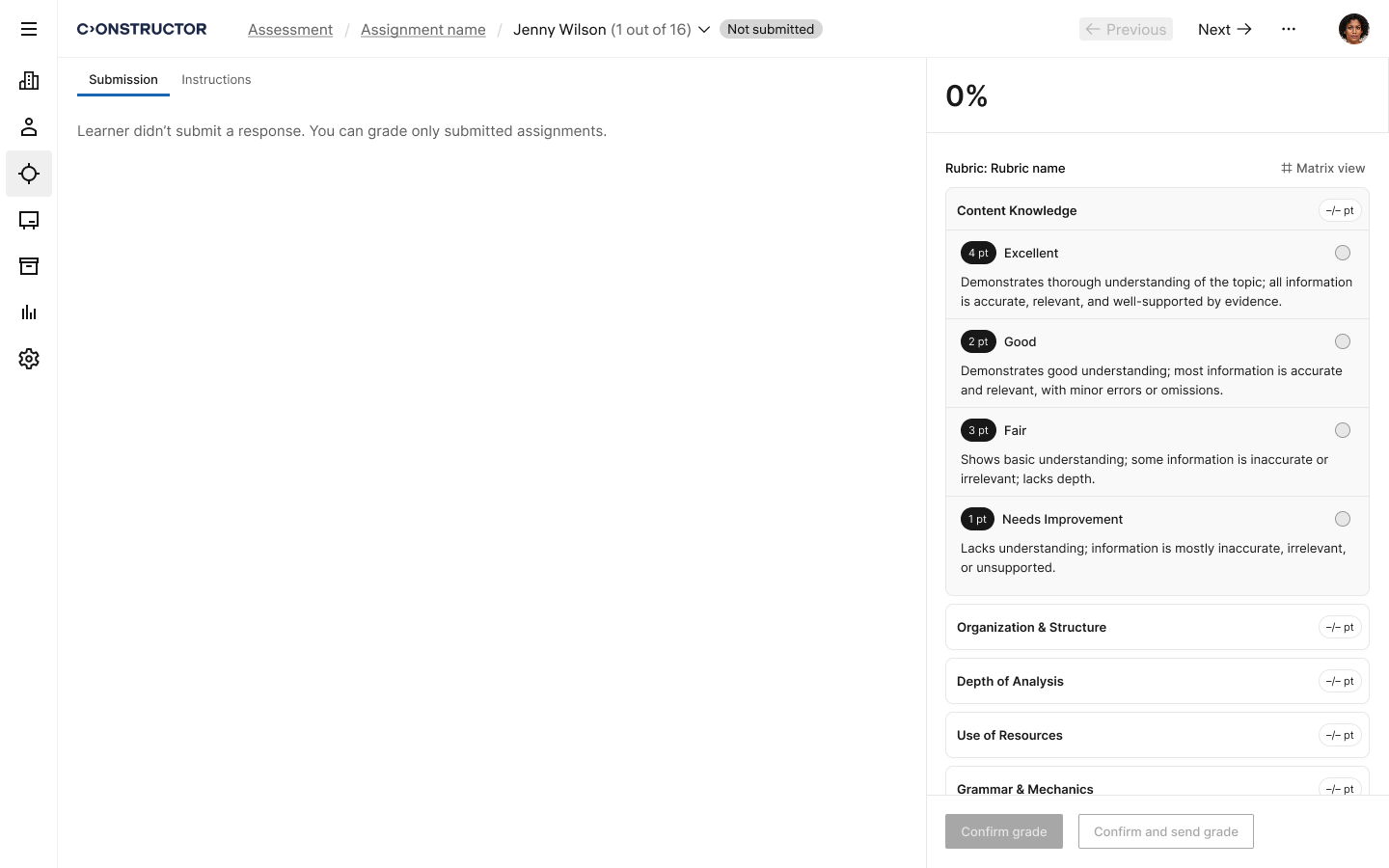
Now, if a learner has not yet submitted their assignment for grading, the instructor will see a message on the grading page indicating this. The response will be available for grading only after the learner submits it for review.