Constructor Proctor: Migration to the new web application
August 28, 2025


Proctor migrates customers from the old version of the student web application to the new one.
The old version of the web application will no longer be developed or supported as of November 1.
New features and improvements are only being made in the latest version. We are giving time to test the new version and make a smooth transition.
Submit a request on our portal (select category ‘Environment modification’) to get test access to the new version of the application.
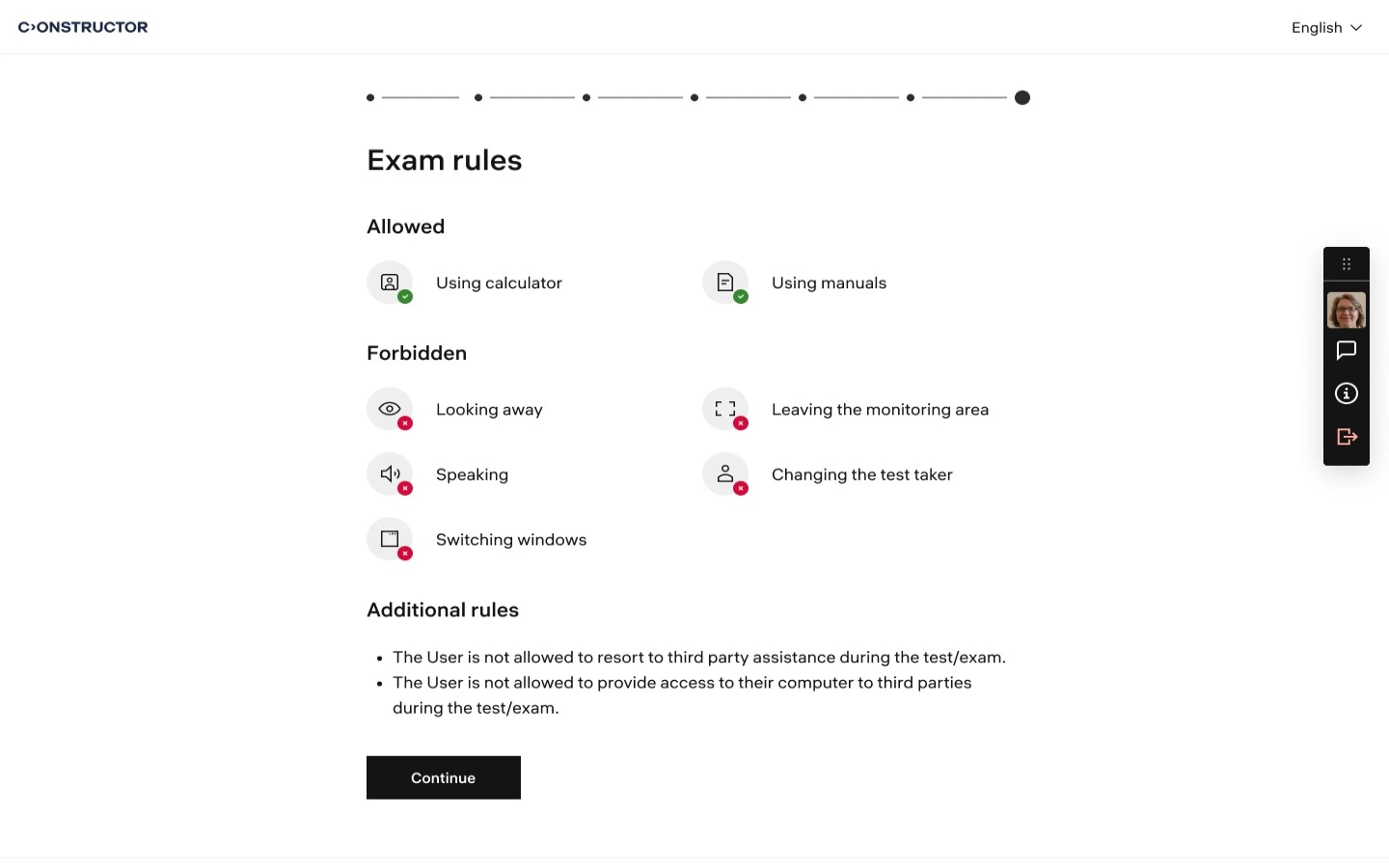
The new version of the app was created based on feedback and support requests received from customers and users.
We took into account all the difficulties students face when taking proctored tests and tried to make the process simpler and more understandable by adding additional onboarding steps, animations, and instructions.
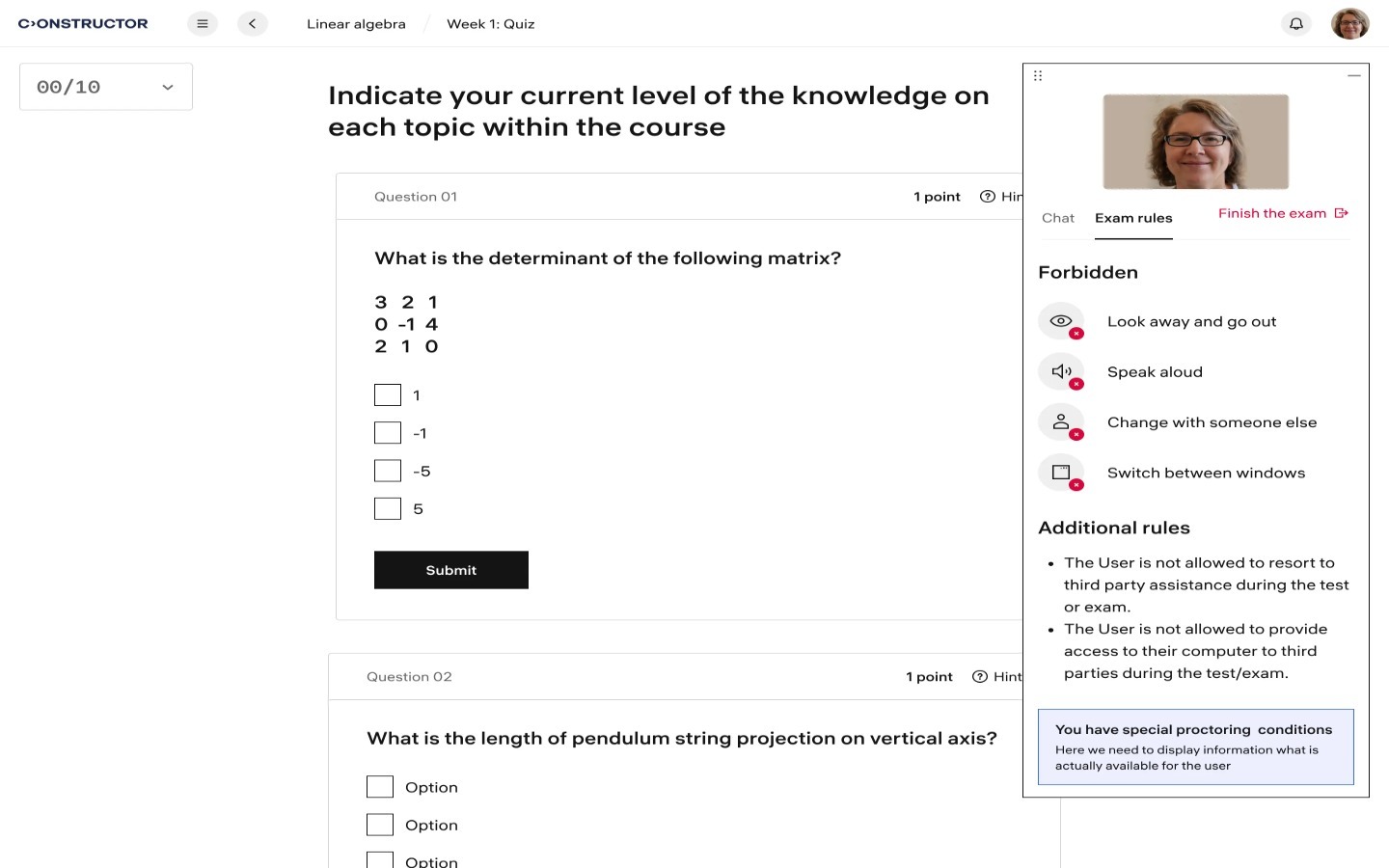
All improvements will only be made in the new version of the application.
At the moment, the new version contains a number of new features that are only available there.
Detailed list of features you can find below.
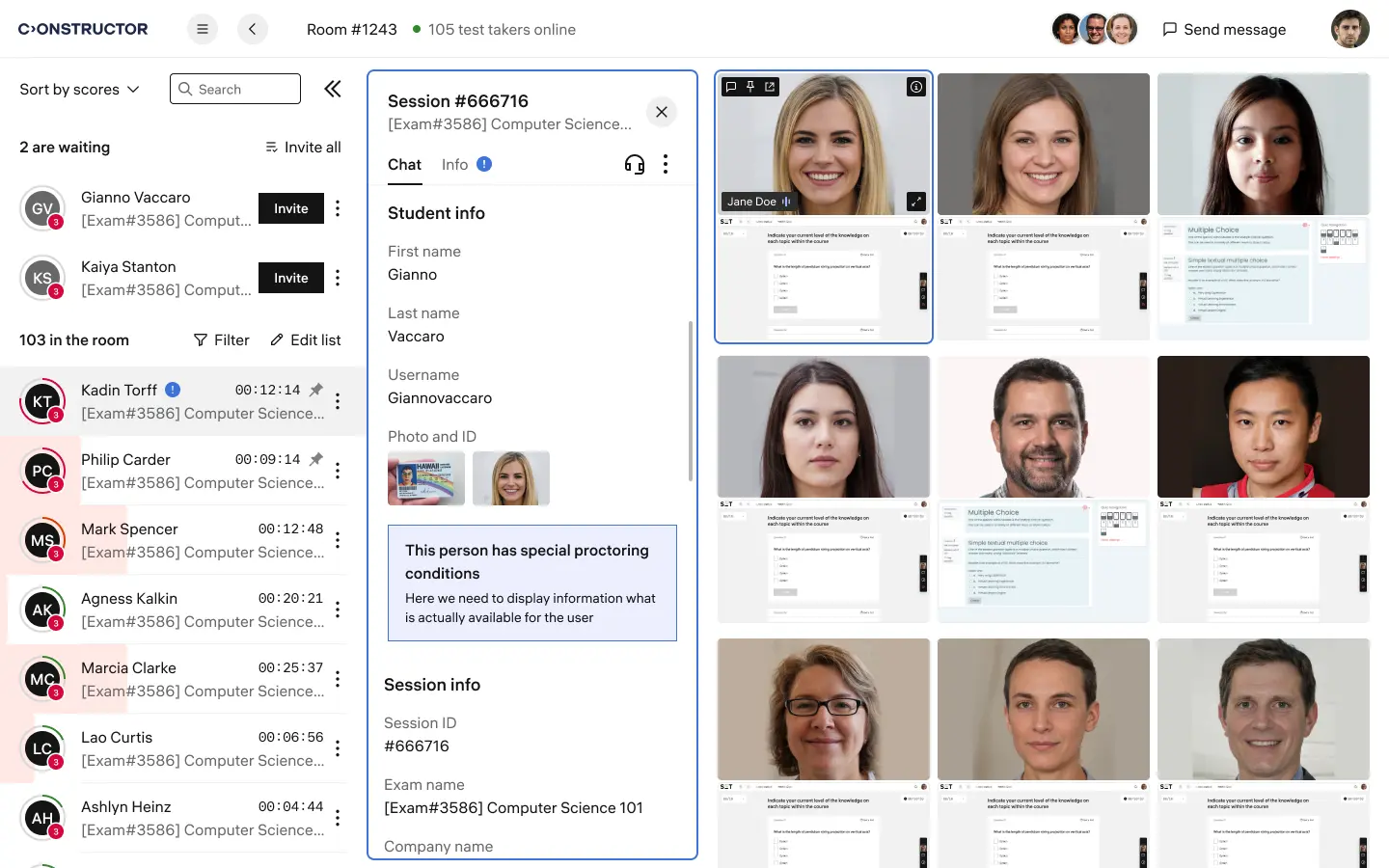
When developing the new version of the app, we redesigned the video transmission technology, which is improving reliability (fewer video fragments are lost) and increasing stability for users.
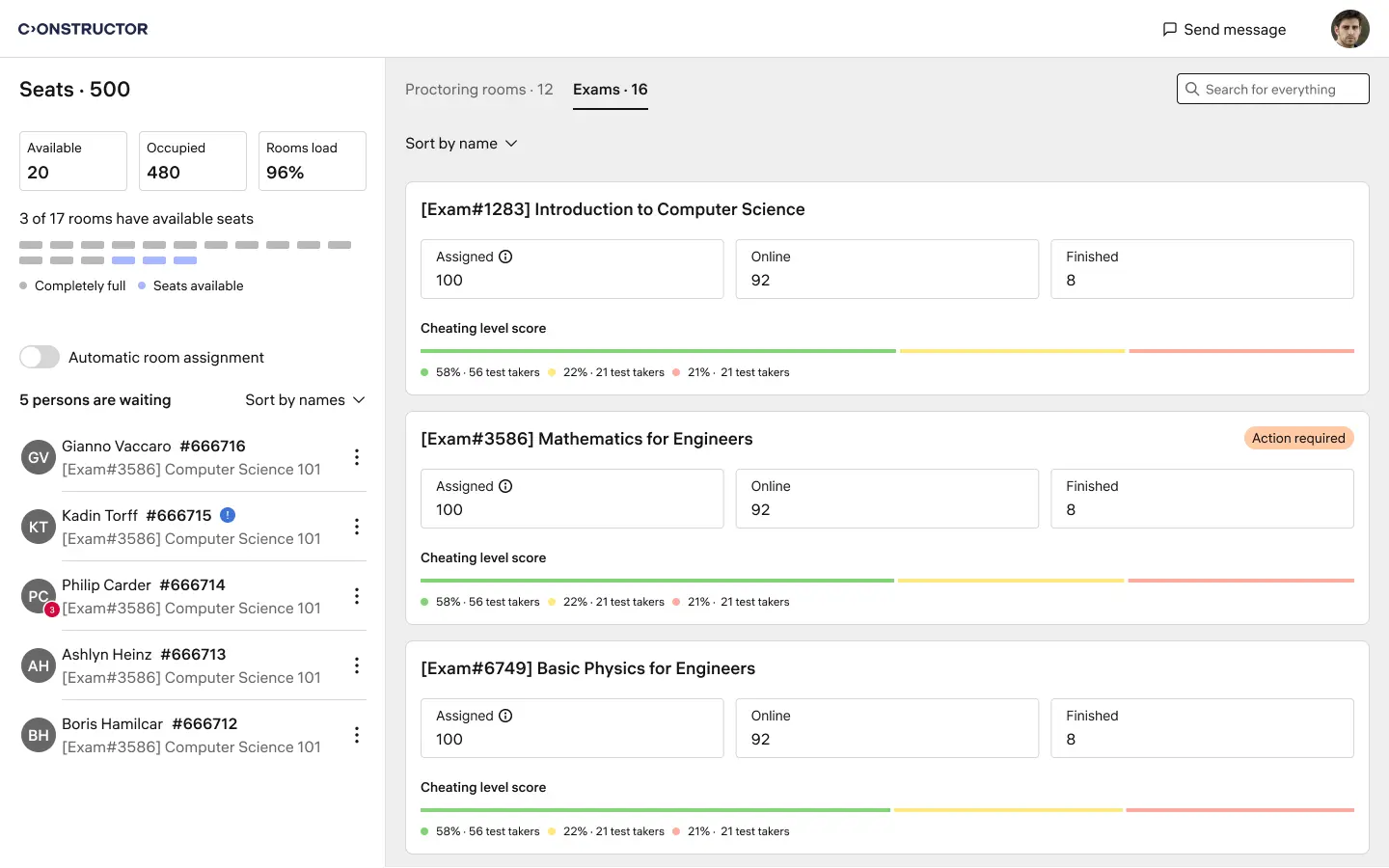
The new version of the web application was developed with accessibility requirements in mind: it is compatible with screen readers, meets contrast requirements, and more.
Feature | Old web app | New web app/SDK |
| Camera recording | + | + |
| Desktop recording | + | + |
| AI detection | + | + |
| Detect technical issues | + | + |
| Smartphone as a second camera | + | + |
| Detect & block second screen | + | + |
| Detect the focus of the mouse (when the candidate exits the test page) | + | + |
| Disable browser DevTools | + | + |
| Support of Secure Browser modes | + | + |
| Detection of a virtual camera using | + | + |
| Detection of a static image | + | + |
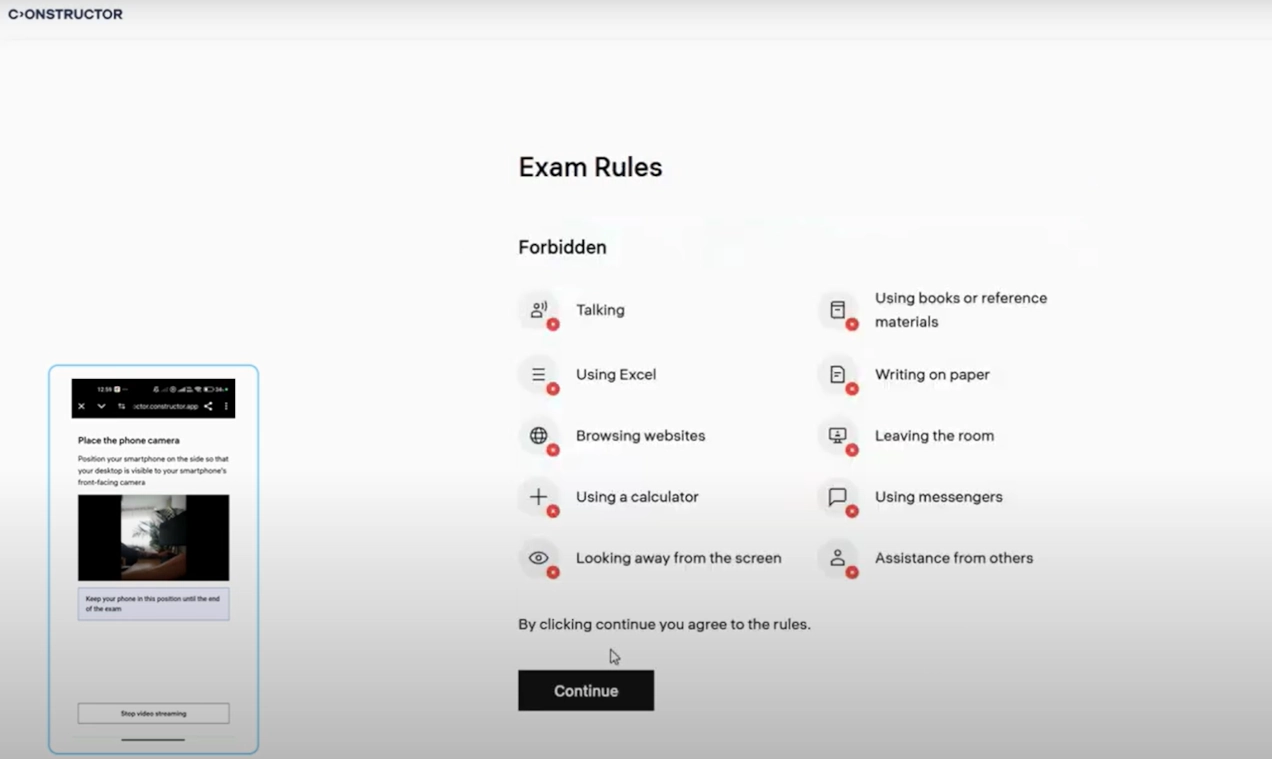
| Exam rules page | + | + |
| Waiting page (for exams in live mode) | - | + |
| Calls between the proctor and the student | - | + |
| Room scan using mobile phone (second camera) | - | + |
| Camera selection | - | + |
| Microphone selection | - | + |
| Improved navigation (breadcrumbs, animations, onboarding pages, and so on) | - | + |
| Compliance with accessibility standards (screen reader support, contrast colors, etc.) | - | + |
| Support ‘No video’ preset | - | + |
| Support ‘No AI detection’ preset | - | + |
| Preliminary check of the student’s identity based on the reference photo from LMS | - | + |
| Sending data to Data Lake | - | + |






