Overview
In this release, we added the following features:
- Extended filter system
- Multi-instructor course support
- Password field visibility in IDP environments
- Help Guide and Report Issue link updates
What's new
Extended filter system
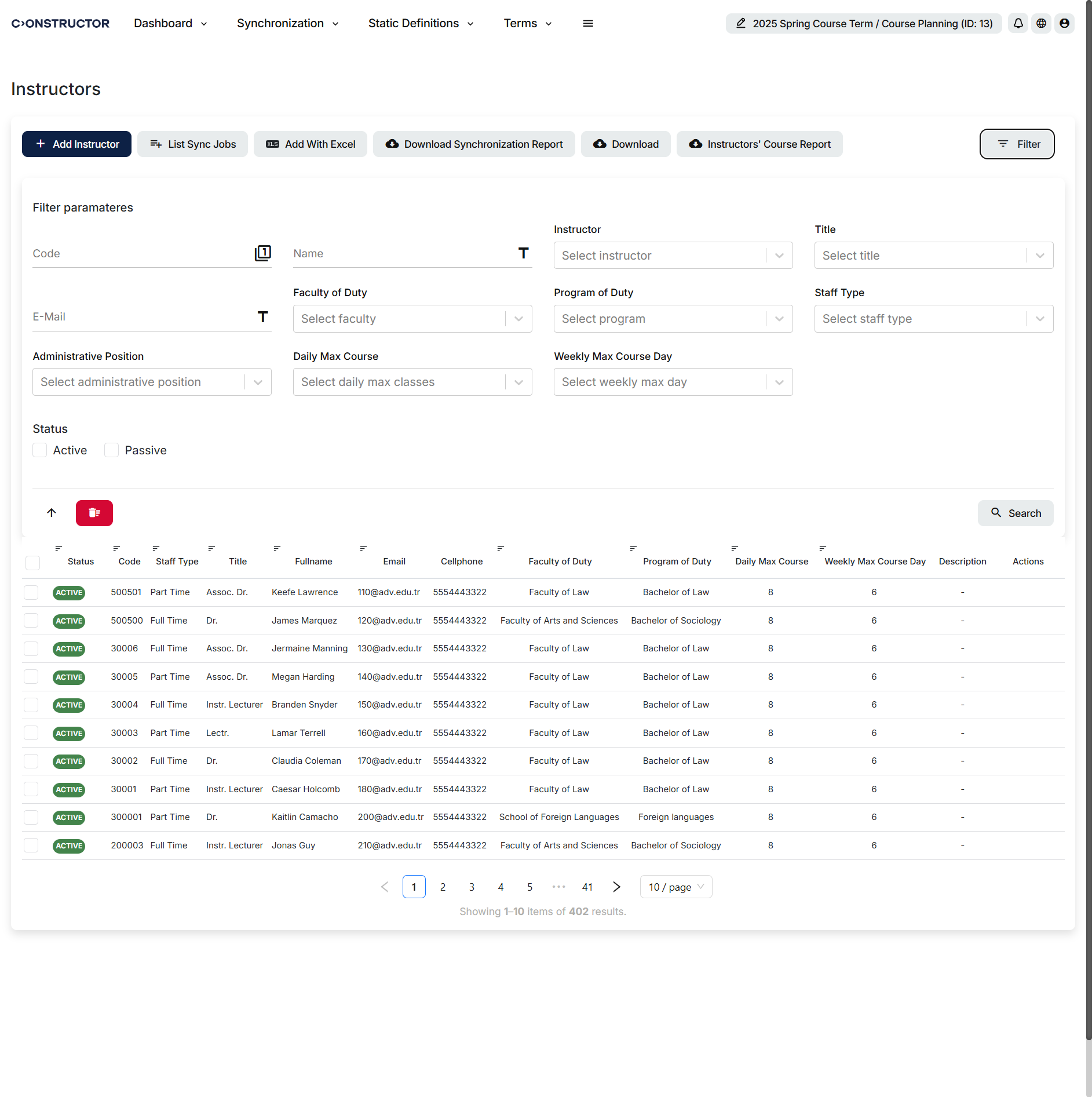
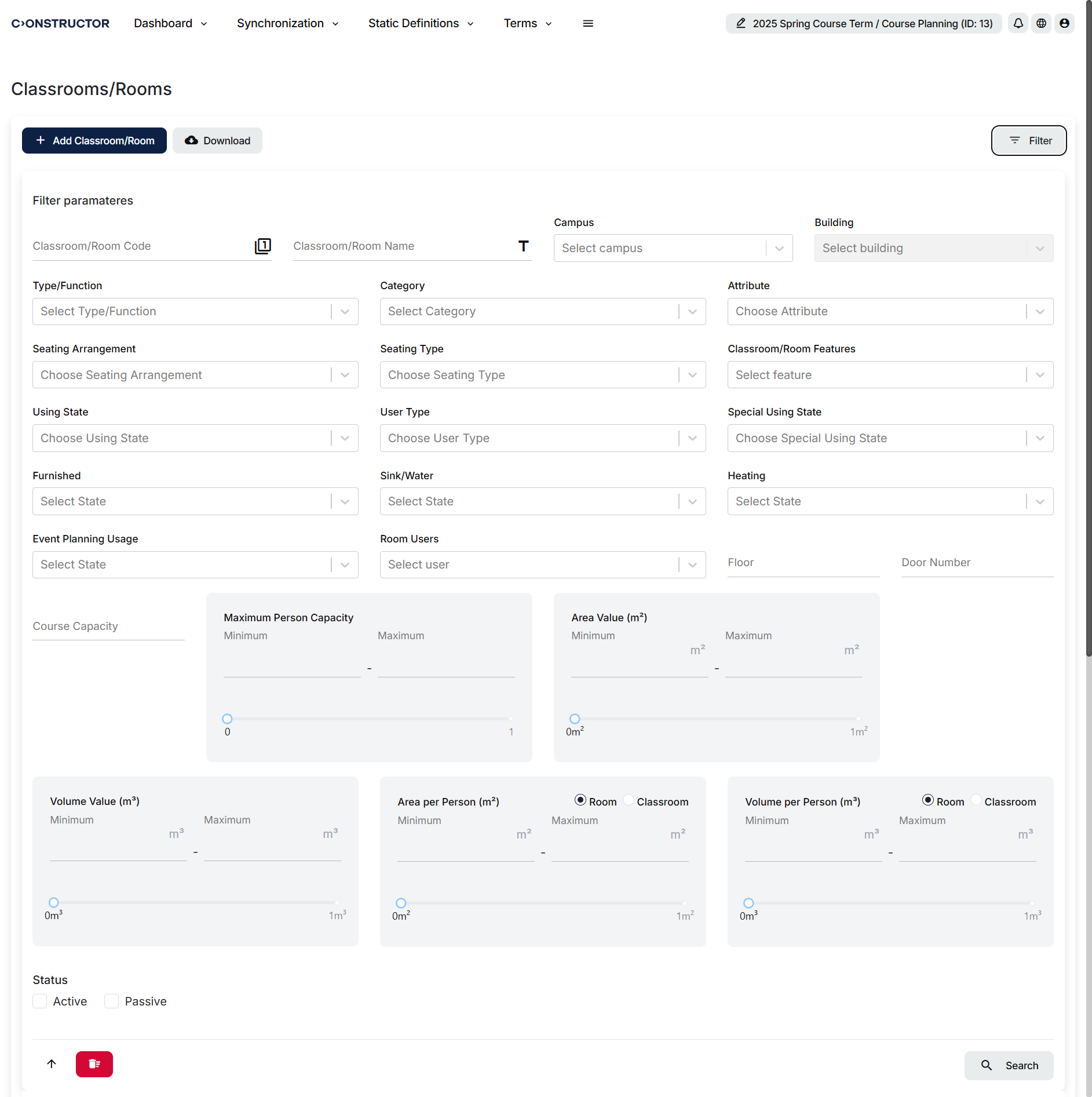
Schedule now includes additional filters across several modules to help planners find instructors, classrooms, and related resources more efficiently.
The Classroom Transfer page now includes Floor and Seating Type filters. The classroom assignment panel now includes a Seating Arrangement filter, which helps users match rooms to teaching formats such as theater, group, and U-shaped layouts. The Instructor Definitions module also now includes an Administrative Position filter, which helps users find staff with roles such as dean, head of department, or coordinator.
Multi-instructor course support
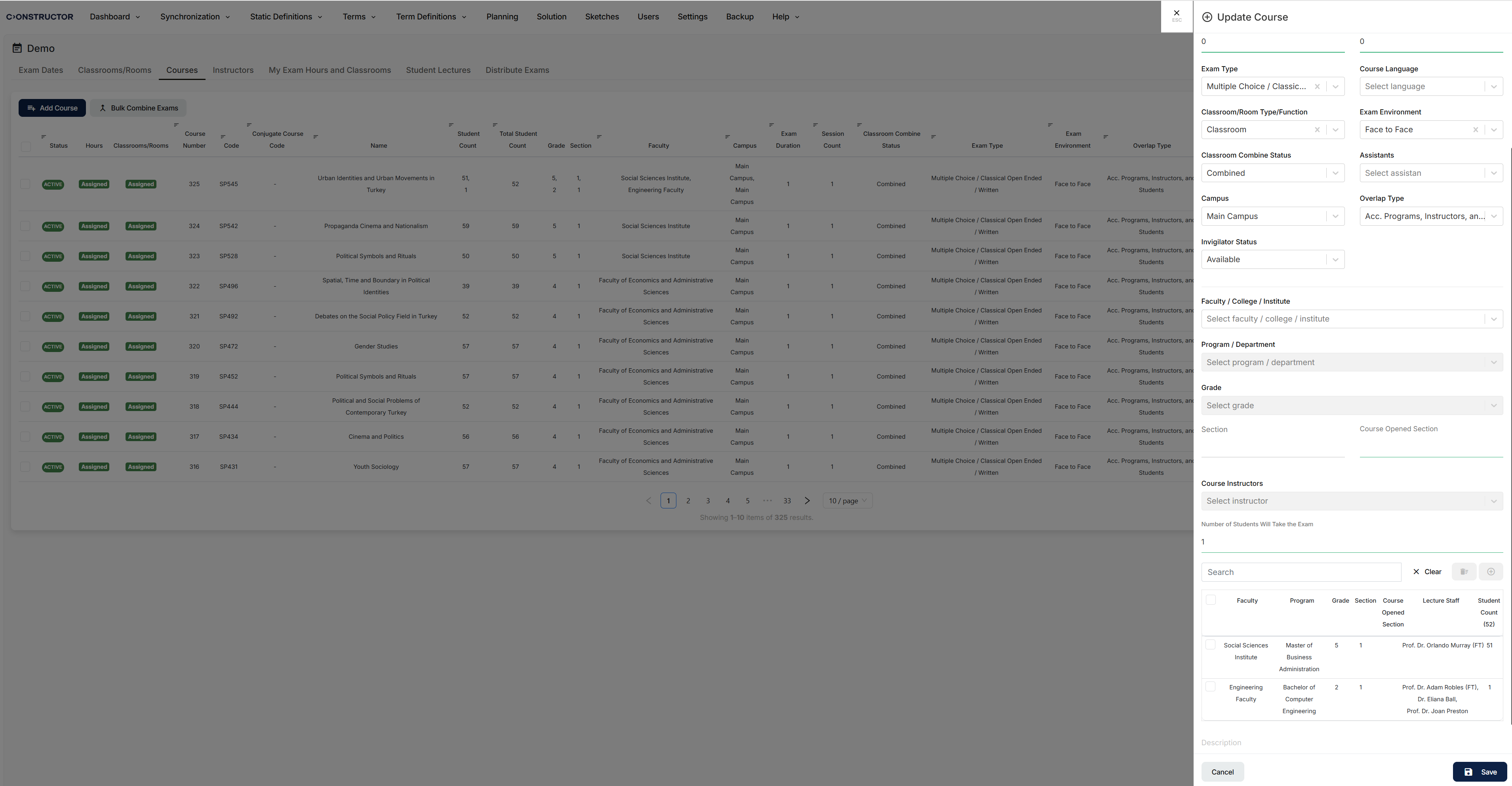
Schedule now supports institutions that assign multiple instructors to a single course.
During synchronization, the system now processes course data with multiple instructor IDs and preserves course-instructor relationships more accurately. This supports shared teaching arrangements where a course is taught equally by multiple instructors.
Password field visibility in IDP environments
When CONSTRUCTOR_IDP is enabled, the password field no longer appears in the user creation modal.
This supports Constructor IDP environments where users receive and set their own passwords after account creation, while preserving existing behavior in other deployments.
Help Guide and Report Issue link updates
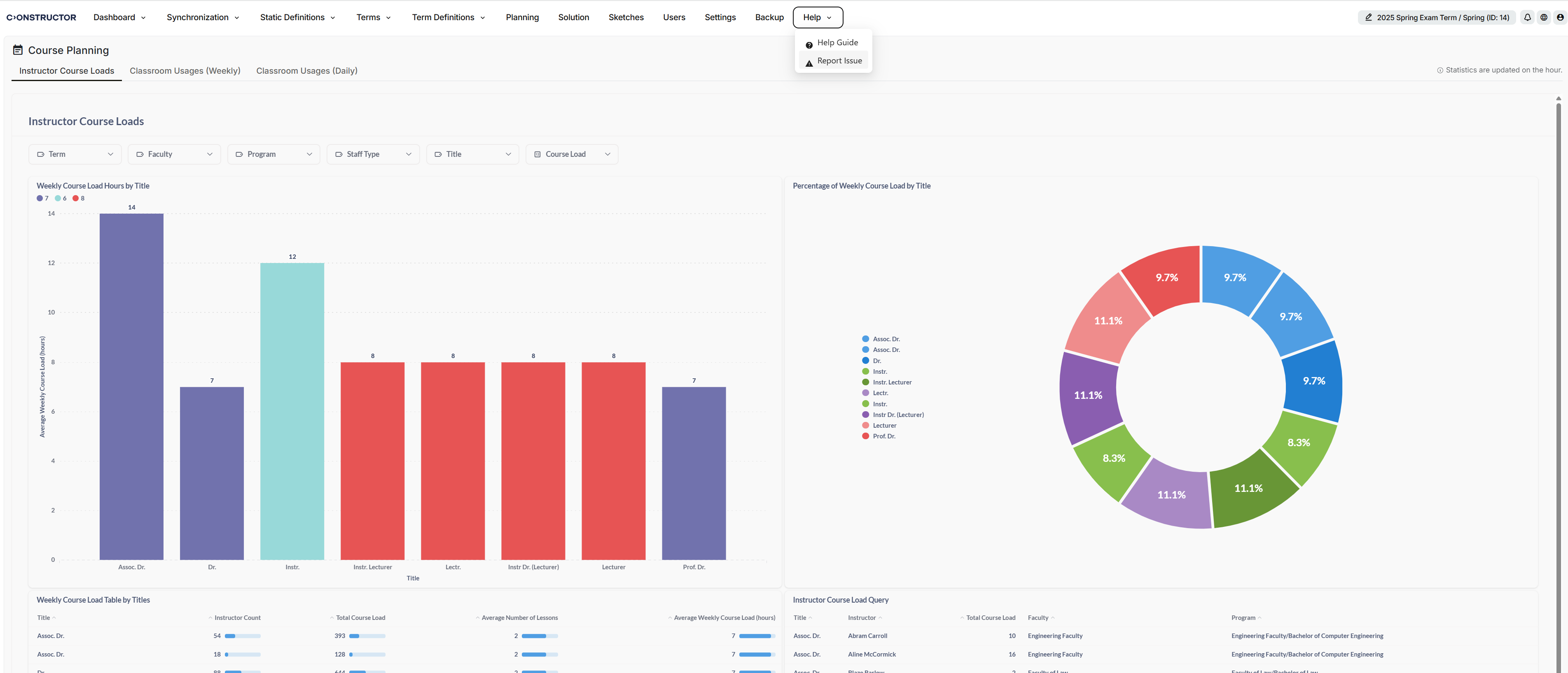
The Help Guide and Report Issue links now point to the updated Constructor documentation and support resources.
This helps users reach the current documentation portal and customer support portal more directly.
Fixed issues
We have addressed the following issues:
- Exam period planning after login: The system no longer freezes when users navigate directly to exam period planning after login.
- My Exam Hours and Classrooms filter: The filter now works correctly during exam period operations.
- Instructor page during the exam period: Results page content no longer persists when users switch to the actions page.
- Instructor actions in planning: Users can now perform actions from the Actions column during planning.
- Calendar actions and filter reset: Applied filters no longer reset when users perform calendar actions during the exam period.
- Table sorting: Sorting now works correctly across multiple modules.
- Date display on the solution page: Dates now appear correctly on the solution page.
- Date display in error reports: Dates now appear correctly in error reports.
- Transition from Term Definitions to Static Definitions: Users can now move from Term Definitions to Static Definitions without errors.
- Select All button: The Select All button now works on the first click.
- Report downloads: Reports now download correctly from the system.
- Invigilator assignment: Invigilators can now be assigned to exams without errors.
- Instructor page during course term operations: Errors on the instructor page during course term operations have been fixed.
- Default learner data upload template description: The description field in the default learner data upload template now appears correctly.
- Transferring distribution to solution: Distribution now transfers to the solution correctly.
- Programs batch modification data: Data errors in batch program modification have been fixed.
- Login and solution creation: Login errors and unexpected warnings during solution creation have been fixed.
- Query performance on the live system: Performance issues caused by slow queries on the live system have been fixed.
- Duplicate exam display: Duplicate exams no longer appear.
- CUB API course synchronization: The reported CUB API error affecting course synchronization has been fixed.







