How to choose a course authoring tool: a buyer's criteria checklist
14 October, 2026


Choosing a course authoring tool, often called an eLearning authoring tool, comes down to three decisions that are hard to reverse: the standard courses are published in, who owns the content, and what the tool costs as the team of authors grows. Most tools cover the basic features, and the gaps between them change with every release.
For L&D leads, instructional designers and the IT and procurement teams who sign off the purchase, the useful questions are about how a tool fits the LMS, the authors and the contract. This checklist sets out what to ask any vendor and what a good answer looks like.
A course authoring tool is software for building digital learning content, such as lessons, quizzes, scenarios and video, and packaging it so a learning management system (LMS) can deliver it and track results. The authoring tool creates the course, and the LMS enrolls learners and records their progress. For institutions still deciding whether they need a learning management system, the benefits of an LMS are a useful starting point.
If a vendor cannot answer one of these questions clearly and in writing, treat that area as a risk.
| Evaluation area | What to ask | What a good answer includes |
|---|---|---|
Export standard | Which standards and versions can you publish to? | Named versions, tested in your LMS |
Authors | Can a subject-matter expert build a course without training? | A live build by one of your own experts |
AI drafting | How are AI drafts reviewed before publishing? | A separate draft stage and a record of edits |
Collaboration | How do reviewers comment and approve? | Roles, comments and version history |
Accessibility | What conformance evidence exists? | A current report against WCAG 2.2 AA |
Localization | How are translated versions kept current? | Text export for translation and update flags |
Ownership and exit | Who owns the content, and what can we take if we leave? | Editable source export and a defined exit window |
Cost | What will we pay at 10 and 50 authors? | A written quote for both team sizes |
The export standard decides which systems can run your courses and what they record. Changing it later means republishing the whole library. Four standards matter. SCORM and xAPI were developed under the US Advanced Distributed Learning (ADL) Initiative, and cmi5 builds on xAPI.
| Standard | Released | Choose it when |
|---|---|---|
SCORM 1.2 | 2001 | Your LMS is older, or you need the widest compatibility |
SCORM 2004 | 2004 | You need sequencing, or completion and pass or fail reported separately |
xAPI | 2013 | You track learning outside the LMS and run a learning record store (LRS) |
cmi5 | 2016 | You want xAPI tracking with predictable launch and completion in an LMS |
In practice, SCORM content has to sit on the same server or domain as the LMS. xAPI has no rules for launching content in an LMS, which is the gap cmi5 was designed to fill.
A vendor's list of standards only tells you what the tool can export. Whether your LMS runs those packages and reports scores correctly is a separate question, so check the LMS documentation for the exact versions it supports, then upload a test course from each shortlisted tool and complete it as a learner, including a failed attempt.
Most authoring tools now draft courses with AI. Drafting takes minutes. Checking the draft takes longer, and few vendors explain how it works, so ask each one to walk through:
Ask for an Accessibility Conformance Report showing how both the editor and the published courses meet WCAG 2.2. US federal agencies work to Section 508, as do many public universities through state policy. Organizations selling digital services in the EU should also check whether the European Accessibility Act, which has applied since June 28, 2025, covers them. It is also worth asking when the product was last tested, since a report can be several releases old.
Ownership rarely comes up in authoring tool comparisons, but getting it wrong is expensive. The contract should cover three things:
| Layer | What to confirm |
|---|---|
Source files | You own the editable project and can export it |
Published packages | They keep working in your LMS after the subscription ends |
Learner data | It sits in your LMS or LRS, not only with the vendor |
Some cloud tools stream courses from their own servers, so a lapsed license can break courses that learners are still taking. AI content adds a further point: the US Copyright Office concluded in January 2025 that AI output without sufficient human authorship is not protected by copyright. Courses that your team writes and edits substantially are on firmer ground.
Vendors quote per author, per team, per AI credit or on request, so ask every vendor for a written quote at two team sizes. At a hypothetical $1,000 per author per year, per-author pricing costs $10,000 for 10 authors and $50,000 for 50, while team tiers jump when a limit is crossed and credit-based pricing rises with heavy AI use. Add training, translation and migration of existing courses.
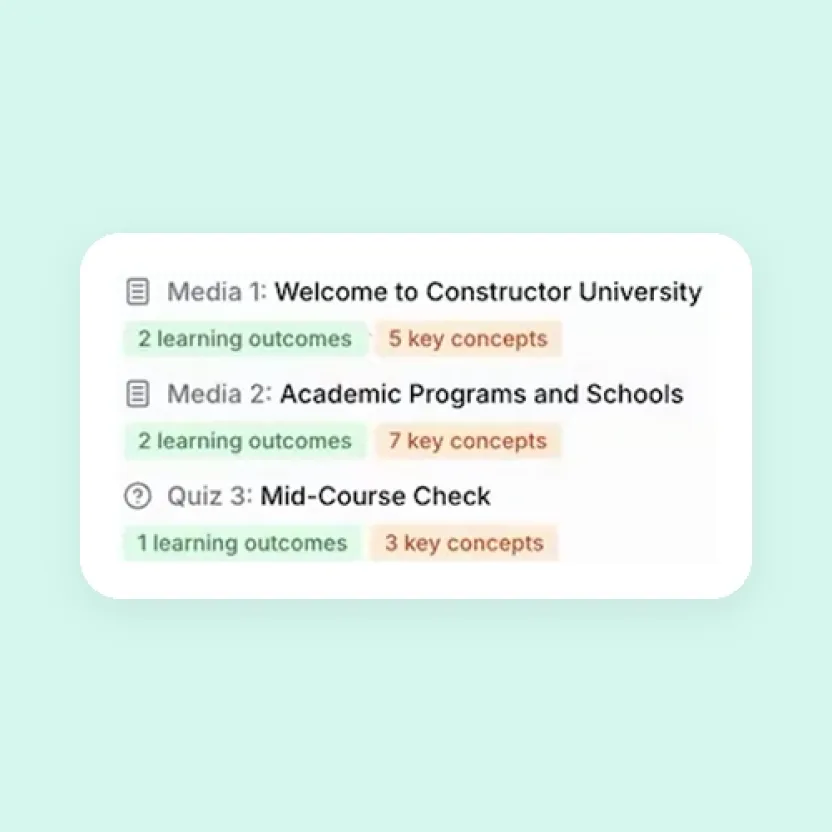
Constructor Prism is the course authoring tool from Constructor Tech. With Prism Advanced, authors start a course from a PDF or a web page link, learning-design and subject-matter agents review the generated sections, and the working draft stays separate from the published course while the team checks and refines it.
As part of Constructor Tech's all-in-one platform, Prism publishes courses directly to Constructor Learn, with quizzes added through Constructor Assess, the Constructor Tech online assessment software. For other LMSs, SCORM export is available for AI-generated courses.
Explore the course authoring tool Constructor Prism to see how AI drafting and review work together.