

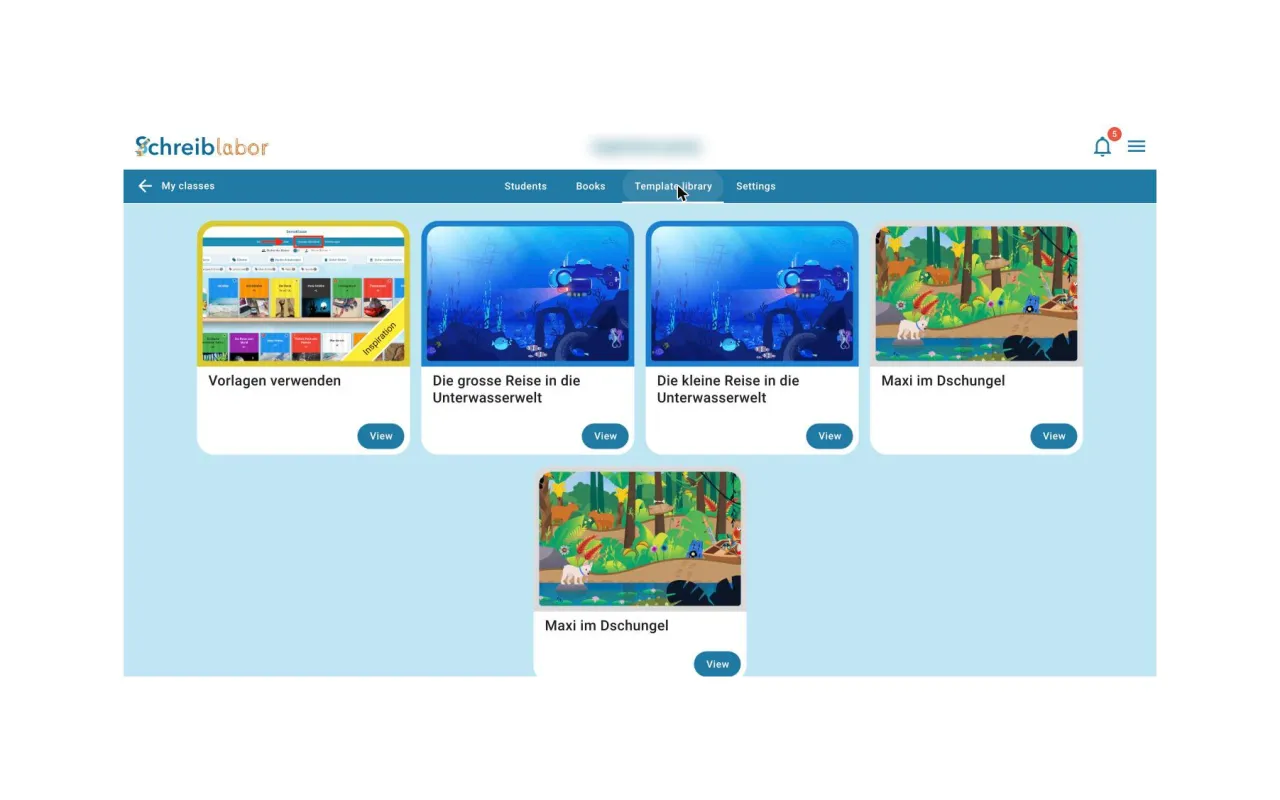
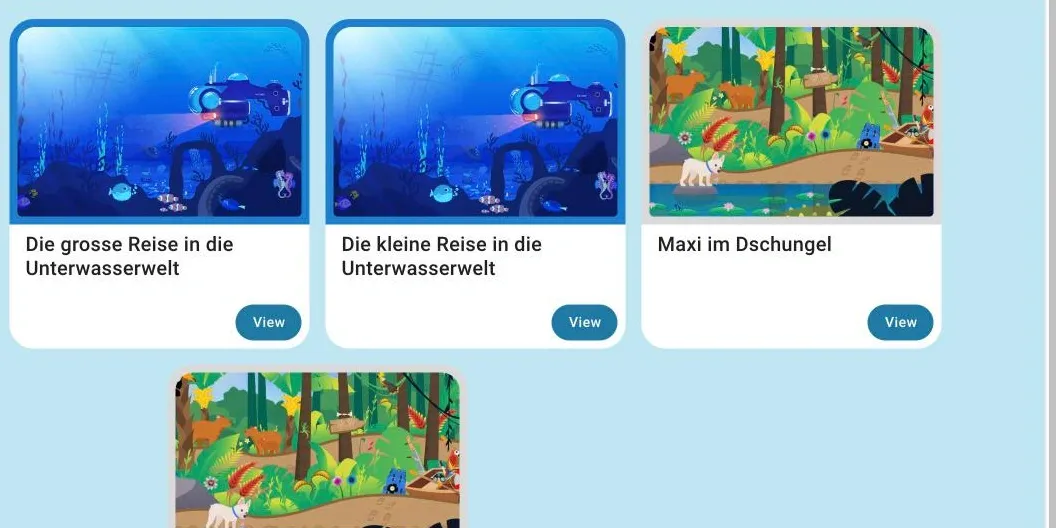
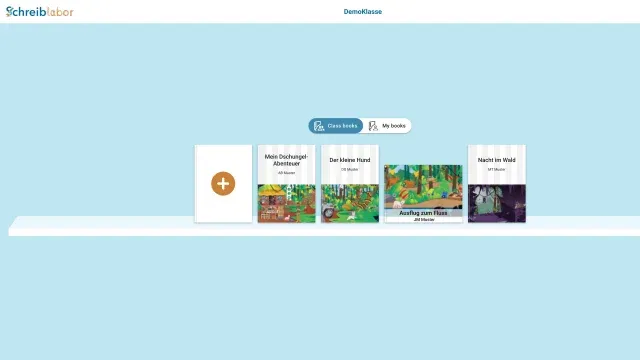
Teachers open the template library, pick a story such as Maxi im Dschungel and add it to the class bookshelf. Children then write their own book from it, page by page.
Writing Lab
Watch Writing Lab in action
See how children turn ideas into books
Writing Lab is a writing tool for children from grade 1. Children design a cover, add pages from simple templates, write their text, and add images. You guide the process with book templates and comments, and you decide which books classmates can see. It is the writing companion of Grafari, which trains German spelling. Learner content is in German.
95%
of teachers would
recommend Writing Lab
250K+
books created
1K+
teachers actively
using Writing Lab
See how Writing Lab and Grafari belong together
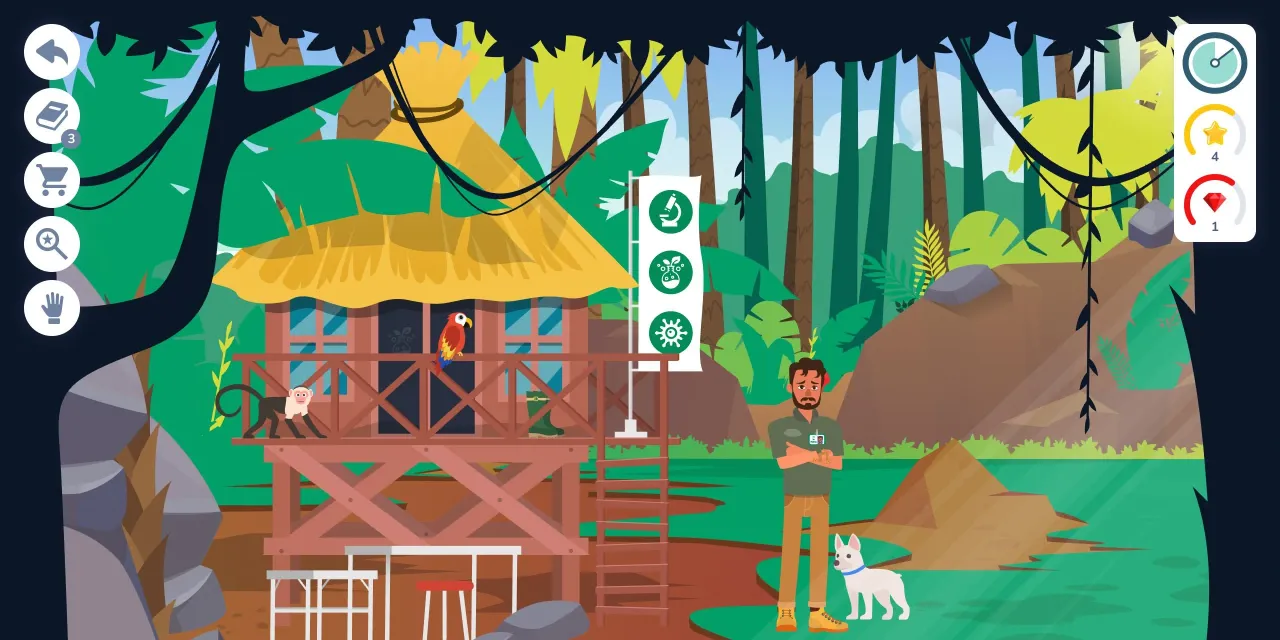
- Grafari trains German spelling step by step. It is built to accompany children from grade 1 to grade 6, and Modules 3 to 5 are available today
- From Module 5, children check their own sentences in Grafari, for example whether every noun and every sentence start has a capital letter
- Module 6, in development, adds checking cards (“Are all sounds written?”, “Are all word building blocks right?”) that children can print out and keep next to them while they write their own book in Writing Lab
- Writing Lab is where you organize the transfer to free writing: children use what they practiced in books of their own
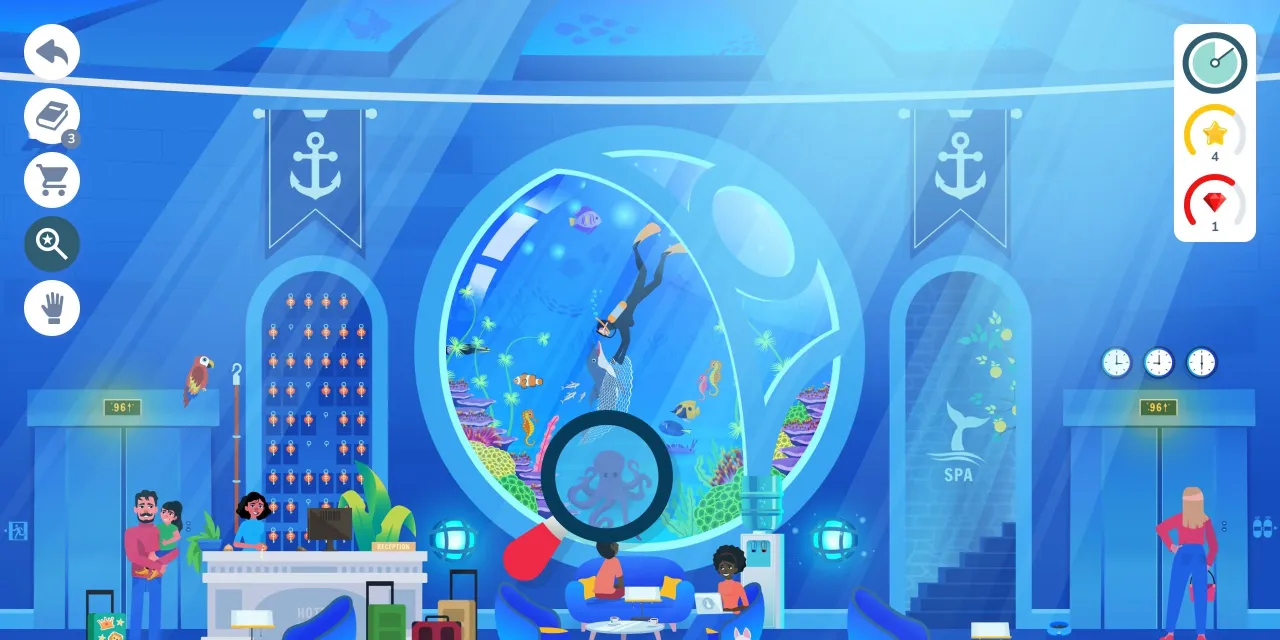
- Ready-made templates are built around the Grafari story worlds, for example Maxi im Dschungel (the jungle story of Module 3) and two journeys into the underwater world
Explore what children and teachers can do
Writing Lab is German-only: children's books and templates are in German. The screens show the English teacher interface where we have it, and otherwise the German interface.
Four steps lead from the idea to the finished book:
- Plan. Children create pages with a few clicks, choose images, and note their ideas as keywords
- Write. Children type the story. Writing is separated from handwriting, so their attention stays on putting ideas into words
- Revise. Children correct spelling, improve word choice, and add text without erasing, and you comment along the way
- Present. Books go on the digital classroom bookshelf, or children print them or save them as PDF
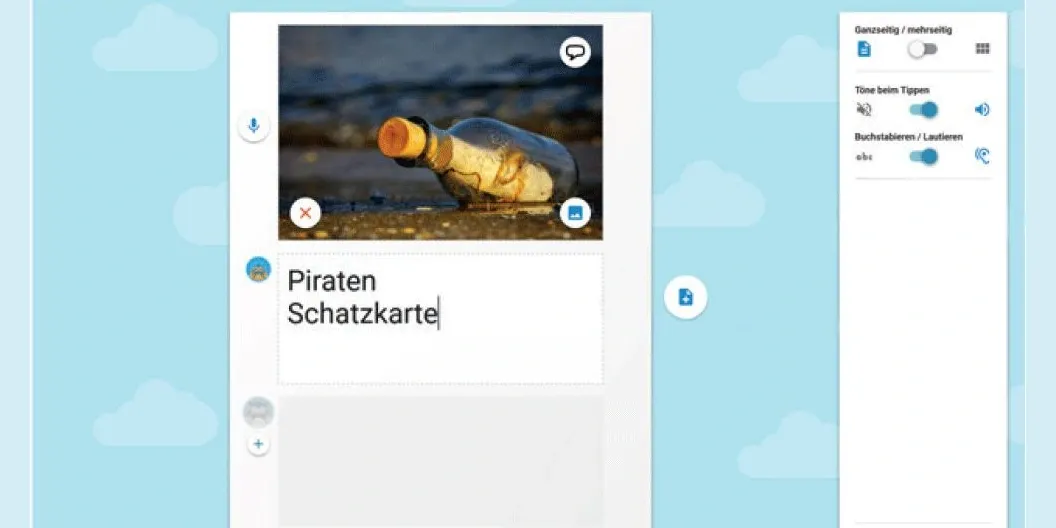
Design a cover
Children open a book and design its cover with a picture and a title.
Add pages from templates
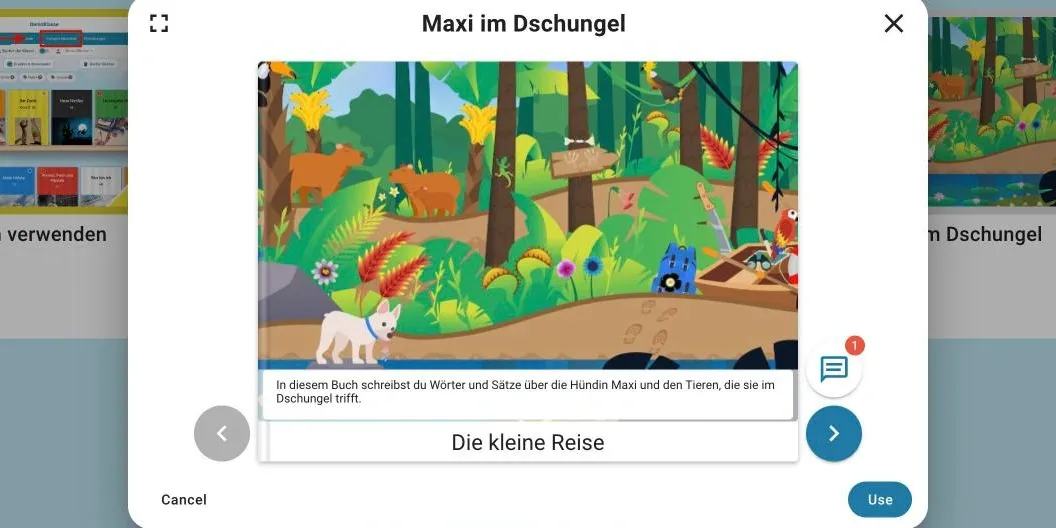
Simple page templates start a page with a few clicks. You add a ready-made template to your class bookshelf with one button.
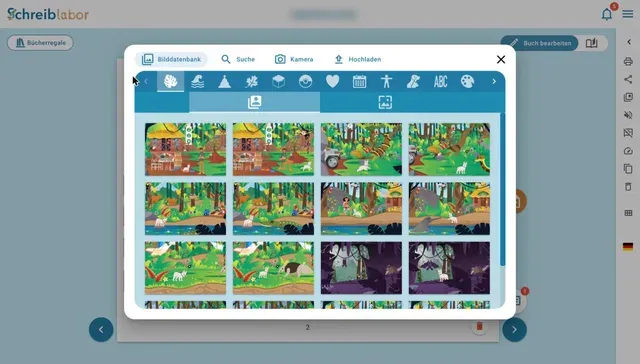
Add images from the library or your own
Children choose from a child-friendly image library, upload their own images, or take photos with the tablet camera.
Add speech bubbles
A speech bubble on an image turns a picture into a scene.
Write without handwriting in the way
Typing separates writing from handwriting, so children can focus on forming their ideas.
Revise without erasing
Children correct spelling, improve word choice, and add text without erasing and rewriting.
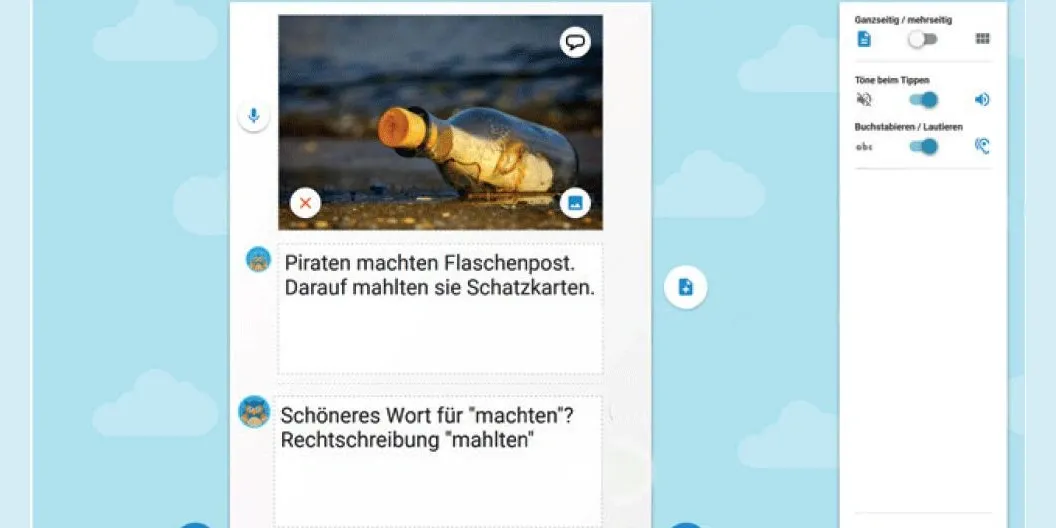
Comment as the teacher
You write comments in the revising phase, right under the child’s text.
Prepare book templates
You create templates that guide creativity and give children a starting point. The library also ships ready-made templates with vocabulary and writing tasks.
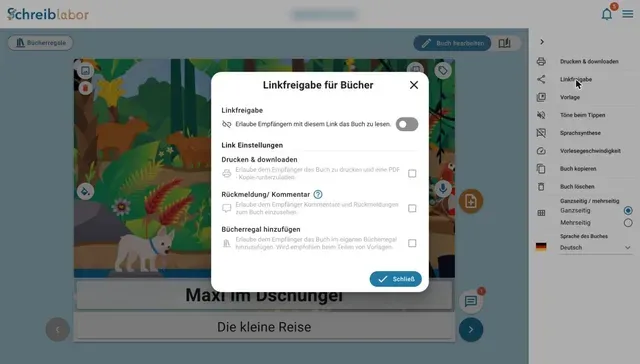
Decide who sees which book
You choose which selected books classmates can see, and when.
Present, print, or save as PDF
Finished books stand on a digital classroom bookshelf, or leave as a printed book or a PDF.
See a ready-made template
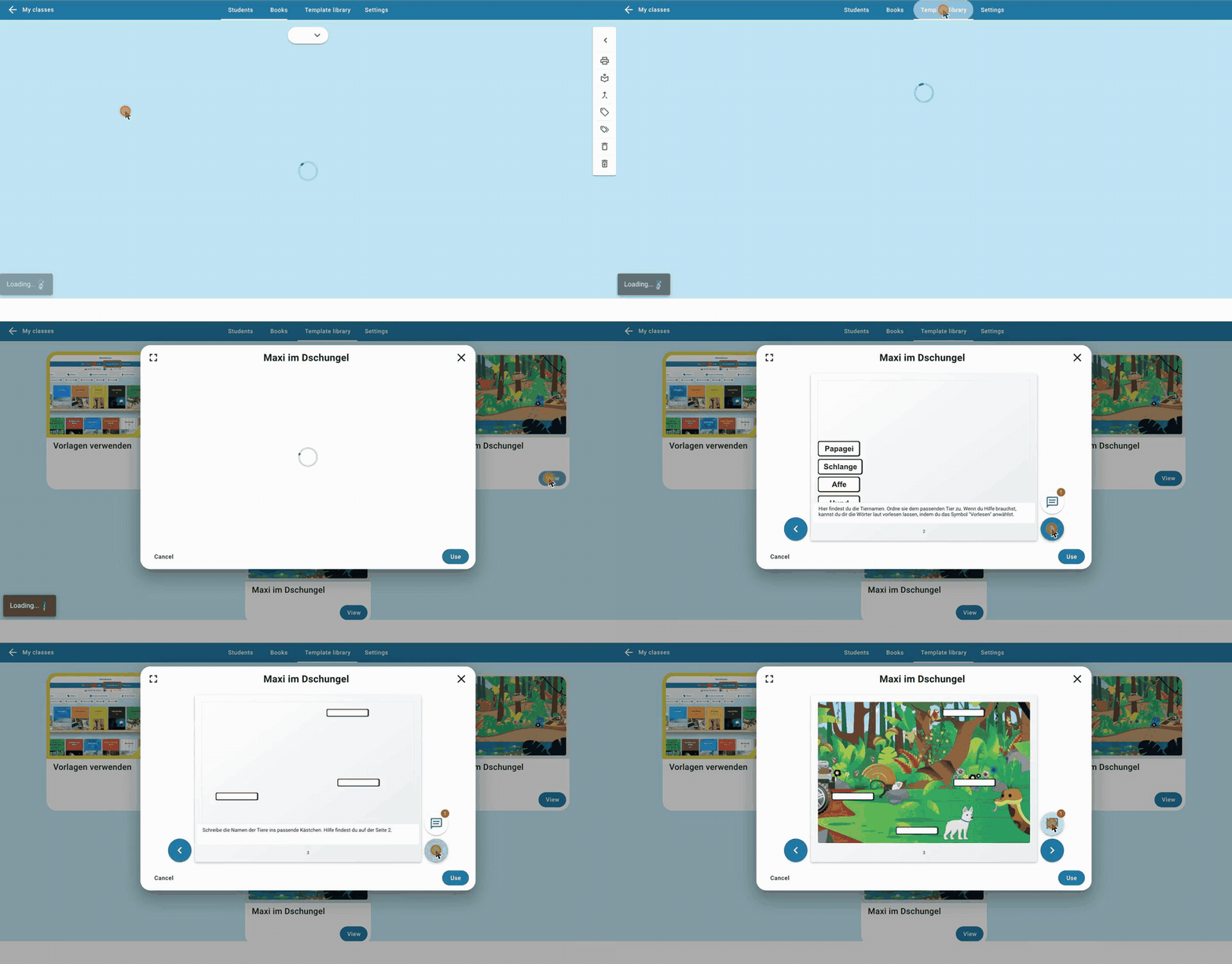
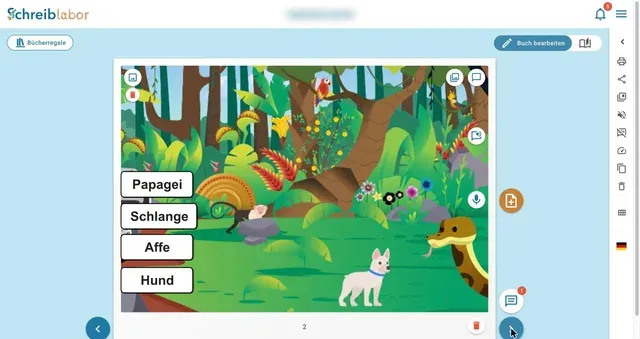
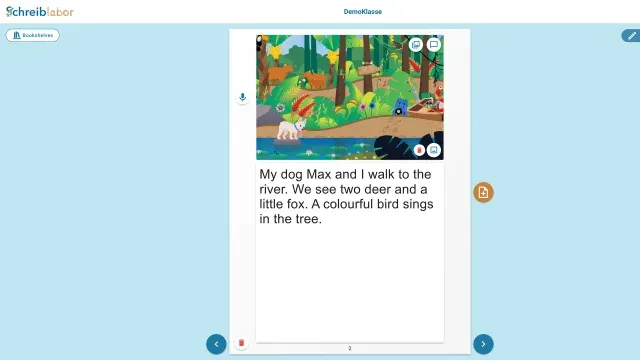
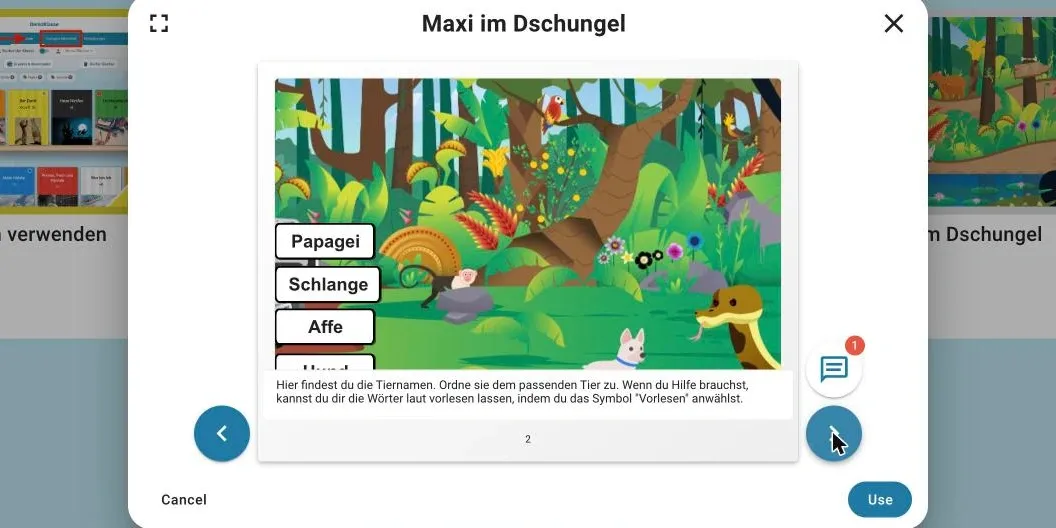
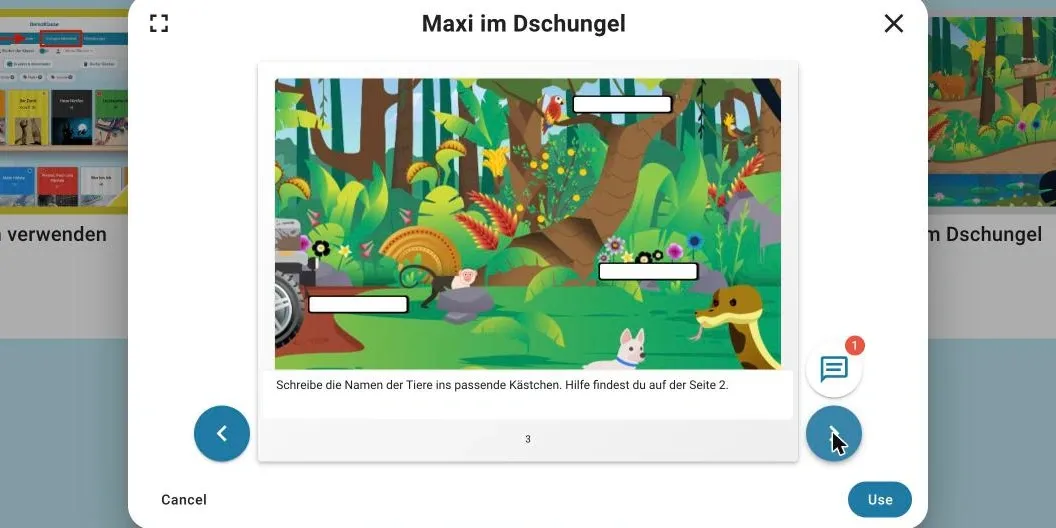
Each ready-made template combines reading, vocabulary, and writing tasks. In Maxi im Dschungel, page 1 introduces the story, page 2 asks children to match animal words to the animals in the picture, and page 3 asks them to write the animal names into the matching boxes. Template content is German.
Page 1: meet the story
The intro text opens the book.
Page 2: match words to animals
Children match the words Papagei, Schlange, Affe, and Hund to the animals in the picture.
Page 3: write the animal names
Children write the animal names into the matching boxes.
Compare Writing Lab with books written by hand
| Area | Books on paper | Writing Lab |
|---|---|---|
Writing | Handwriting and writing happen at once | Typing separates the two |
Revising | Erase and rewrite | Edit and add text without erasing |
Pictures | Draw, cut, and paste | Image library, own uploads, tablet photos |
Teacher feedback | Notes on the paper | Comments in the revising phase |
Sharing | Paper copies | Class bookshelf, print, or PDF |
Teacher control | Collect and hand out books | Choose which books classmates see |
Handwriting | The main way to write | Stays useful for mind maps and final versions |
See who gets the most from Writing Lab
Guide a whole class through a book project
Class teachers from grade 1. Templates give every child a start, you comment while they revise, and the bookshelf shows the result.
Support children who avoid writing
Teachers of children for whom handwriting is a hurdle. Typing keeps the focus on ideas, and pictures give a way in. Teachers report higher motivation.
Practice self-correction, then apply it
Teachers who use Grafari. Children practice self-correction from Module 5 and use it in their own texts in Writing Lab, with templates built around the Grafari story worlds.
Hear what a teacher noticed in class
Proven to increase motivation and creativity in writing
“I immediately noticed how extremely motivated the students were. It’s easy to develop ideas [...] and the children are very proud when they can read their own stories aloud.”
Jan Oswald, zeka School, Baden
Plan your start with Writing Lab
Try it
Schools can start a 30-day free trial through the school sign-up form. Ask us whether Writing Lab is part of your trial, and we set it up for your class.
Add it to your package
Writing Lab is an optional add-on to the Literacy and Combo packages and is not sold alone. The Literacy Package contains Grafari and Orthograph, the Combo package adds Calcularis.
License
Licenses are priced per learner per year, with volume tiers, and vary by country. Ask us for a quote.
Get support
Teachers and experts from our team support your start. The packages include unlimited teacher accounts and Coach progress tracking.
Stay in control
You create templates, comment, and choose which books classmates see.
Check how Writing Lab fits your devices
Devices
Writing Lab runs in any modern browser, on computers and tablets. Children can take photos with the tablet camera and use them in their books.
Language
Books and templates are in German. The teacher interface is available in German, English, Ukrainian, Turkish, and French.
Find answers to what schools ask most
Which language does Writing Lab use?
Which languages does the teacher interface offer?
Which grades is it for?
Do children still write by hand?
What can I control as a teacher?
Can children use their own pictures?
How can books be shared?
How does Writing Lab relate to Grafari?
How do we try it?
Is Writing Lab sold on its own, and what does it cost?
Ready to start your first book project?
Share a few details about your school, and we help you plan your start with Writing Lab.