Constructor Proctor: November 2025 update
November 30, 2025


Constructor Proctor continues to set the standard for secure, scalable, and user-friendly online proctoring. Our latest release delivers powerful new analytics, enhanced reporting, and a smoother experience for both administrators and students.
Company administrators now have a full visibility into exam room activity. In addition to seeing the total number of students in a room, you can instantly view each student’s current stage:
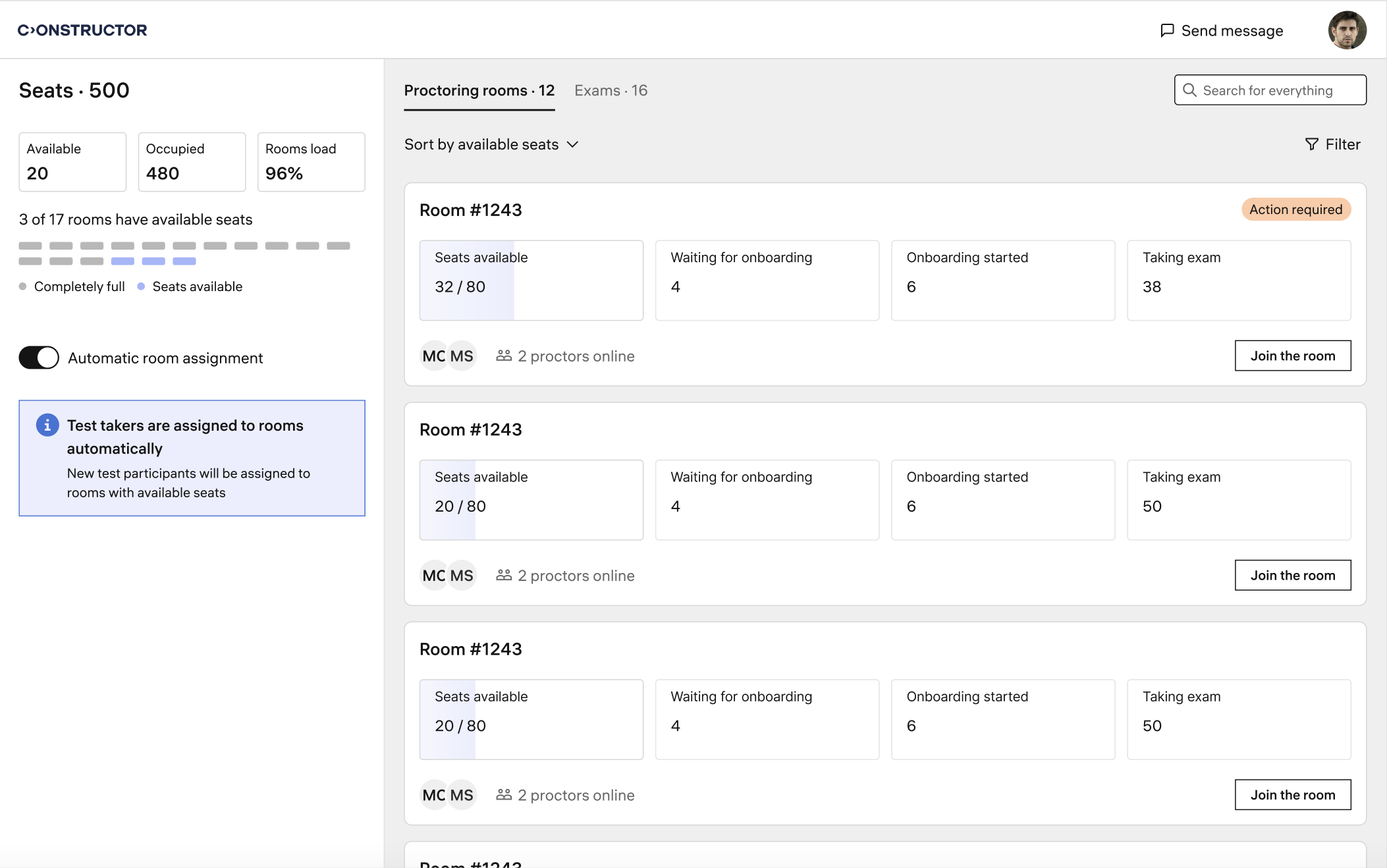
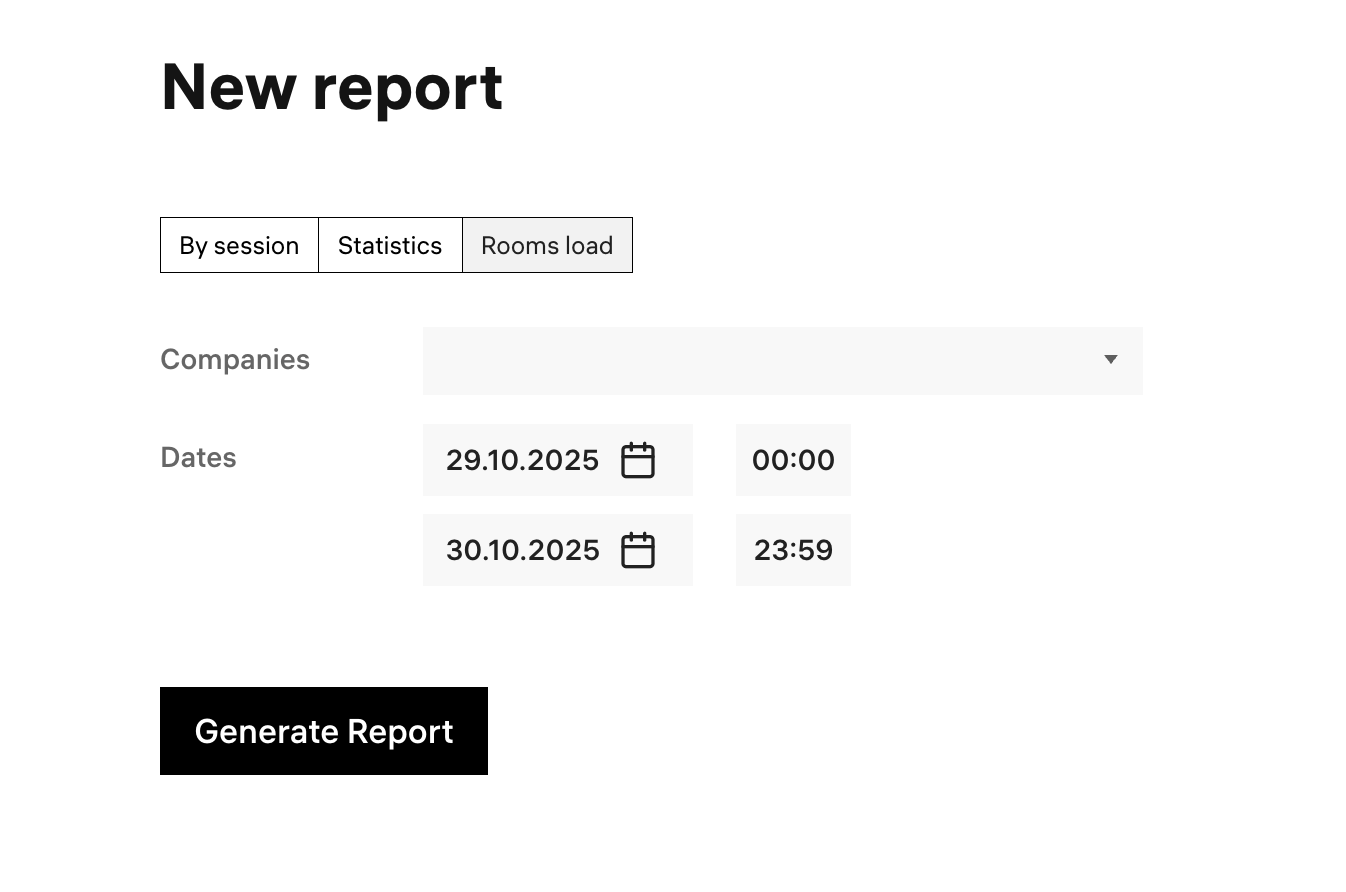
A new Rooms Load Report is now available in the administrator interface. This report allows you to track the average occupancy of all proctoring rooms, segmented by hour, over a selected period.
Key details:
Session reports now provide detailed information about video recording gaps. You can see when gaps occurred and their exact duration, broken down by each video stream (webcam, desktop, additional camera). If multiple gaps occurred during a session, their durations are automatically summarized for you.
Resizable chat panel: Students can now resize the chat panel, making it easier to communicate with proctors, especially on smaller screens.
We’re excited to announce that the Constructor Proctor student web application now supports Safari, in addition to Google Chrome and Microsoft Edge.
Safari users can access all proctoring modes and configuration settings.
Important:
Due to technical limitations in Safari (such as restrictions on blocking additional screens), some features may not be fully supported.To maintain exam integrity, Safari access is managed per application. If you wish to enable Safari for your learners, please contact our service team.
Log in to Constructor Proctor to explore these new features, or contact our service team to enable Safari support for your learners.






