Constructor Schools monthly update: August
31 August, 2024


August marked a pivotal moment for us with the launch of one of our most significant releases in the past six months: the brand new Coach platform for teachers.
Previously, our teachers had to navigate three separate Coach platforms for Calcularis, Orthograph, and Grafari, in addition to using the Institution Management platform for user and license management. The new Coach platform unifies all three into a single, cohesive platform. This integration introduces new features, a refined user interface consistent with our other C>T applications, and enhanced functionality that opens up vast opportunities for expanding our business through Coach.
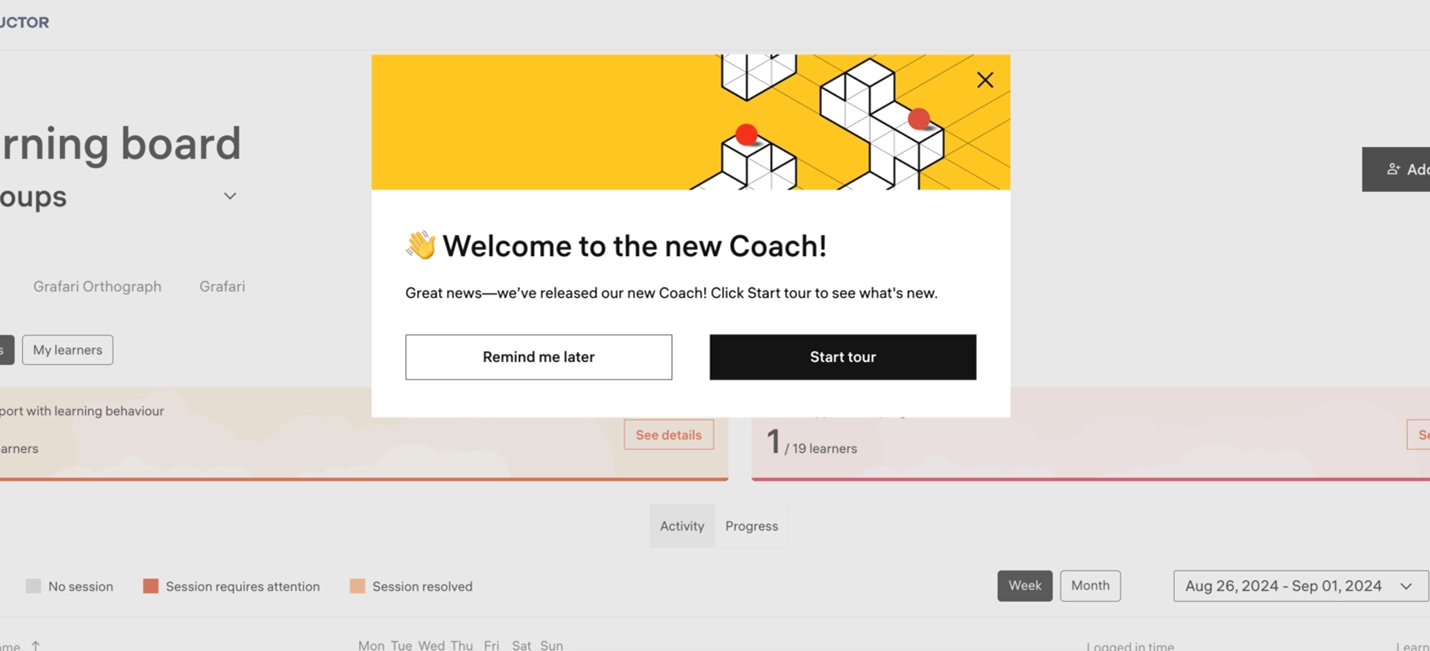
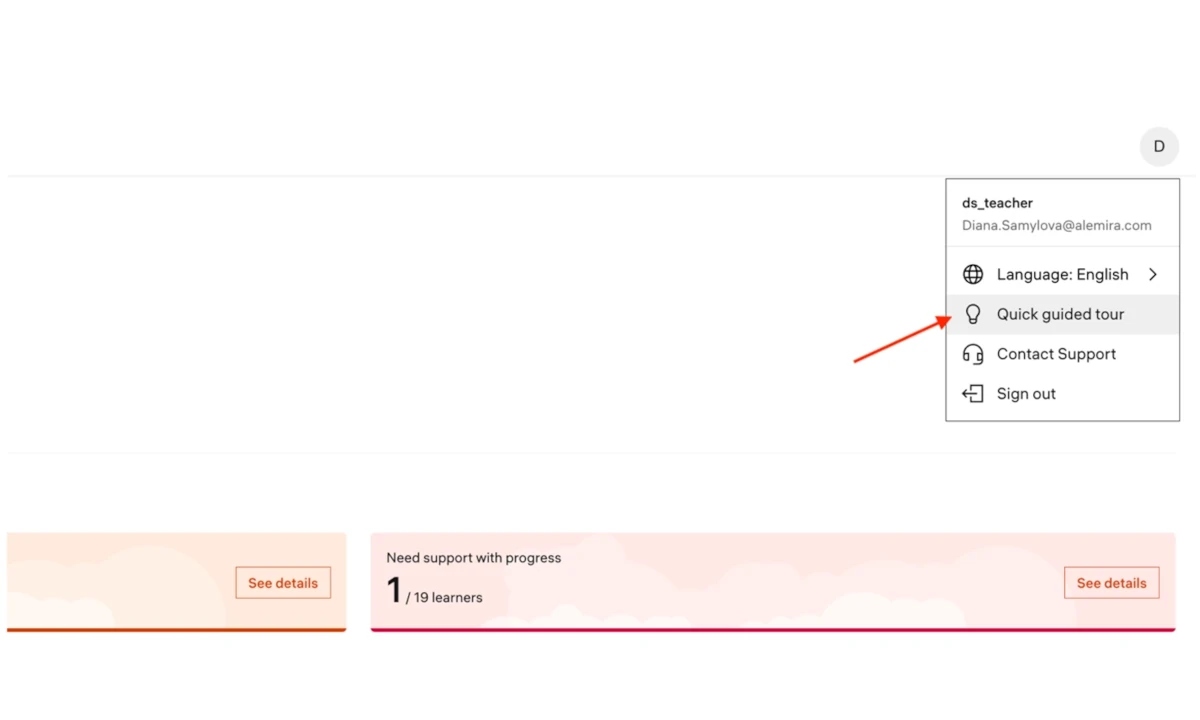
Our new Coach platform offers a streamlined onboarding experience, thoughtfully designed to welcome and guide teachers. In just a few simple steps, we walk teachers through the initial setup, highlighting how both they and their students can benefit from our applications. Teachers can revisit the onboarding process anytime by accessing it through the teacher profile control panel.
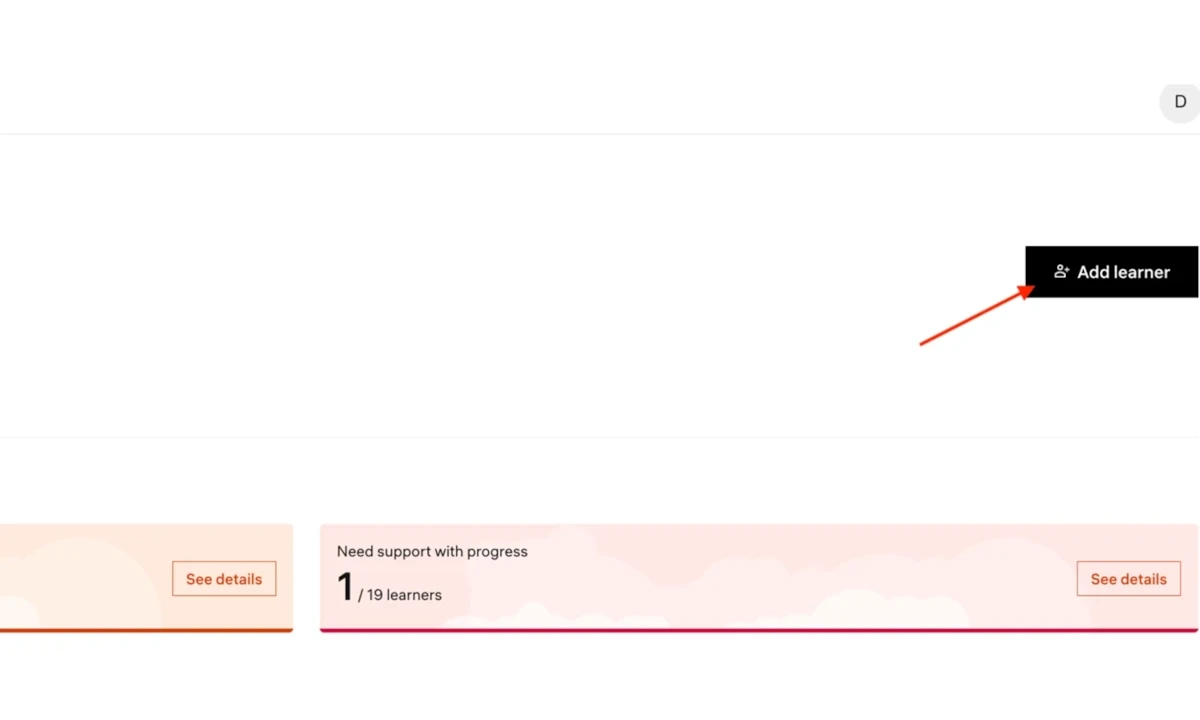
The new Coach platform makes creating learner profiles quick and effortless. Simply click the "Add Learner" button, enter the new learner's name, and assign the necessary licenses. It’s as simple as that. The user management tool provides teachers with more than just a view of their student roster. It also allows them to assign and manage available licenses with ease.
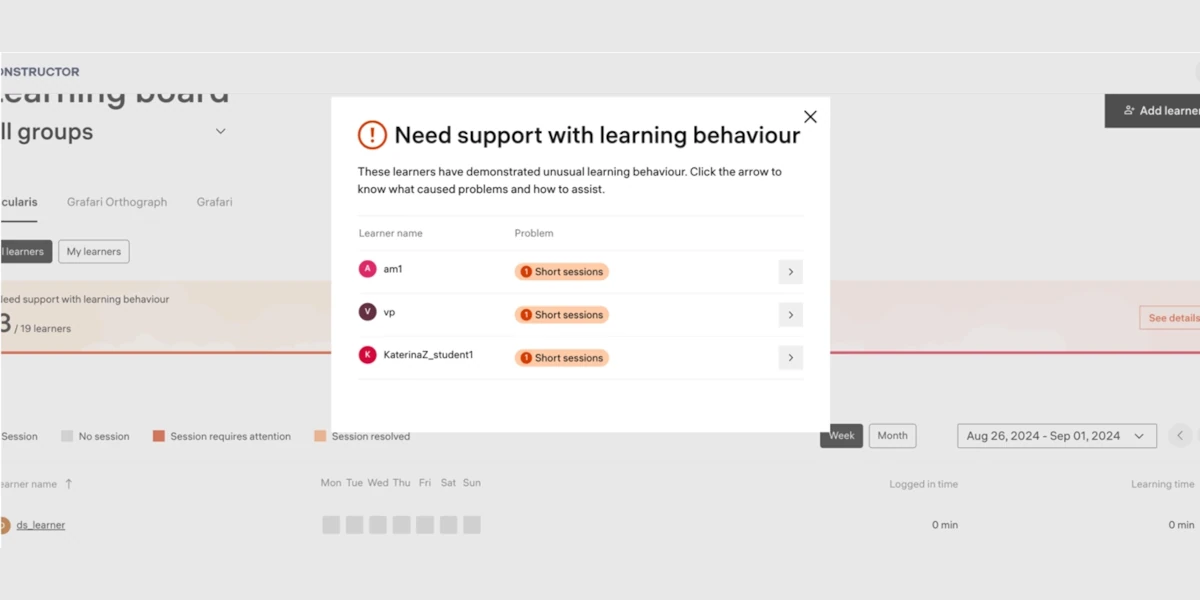
A collaborative research project with professors from the Higher School of Pedagogy in Lausanne has transformed how we assist teachers in analyzing learners' progress. Teachers no longer need to meticulously review each learner's profile to identify those who need support. Our system now automatically detects students facing challenges with learning behavior and progress, sending timely alerts to teachers. This innovation is a significant time saver and an invaluable resource for teachers already burdened with teaching responsibilities and administrative tasks.
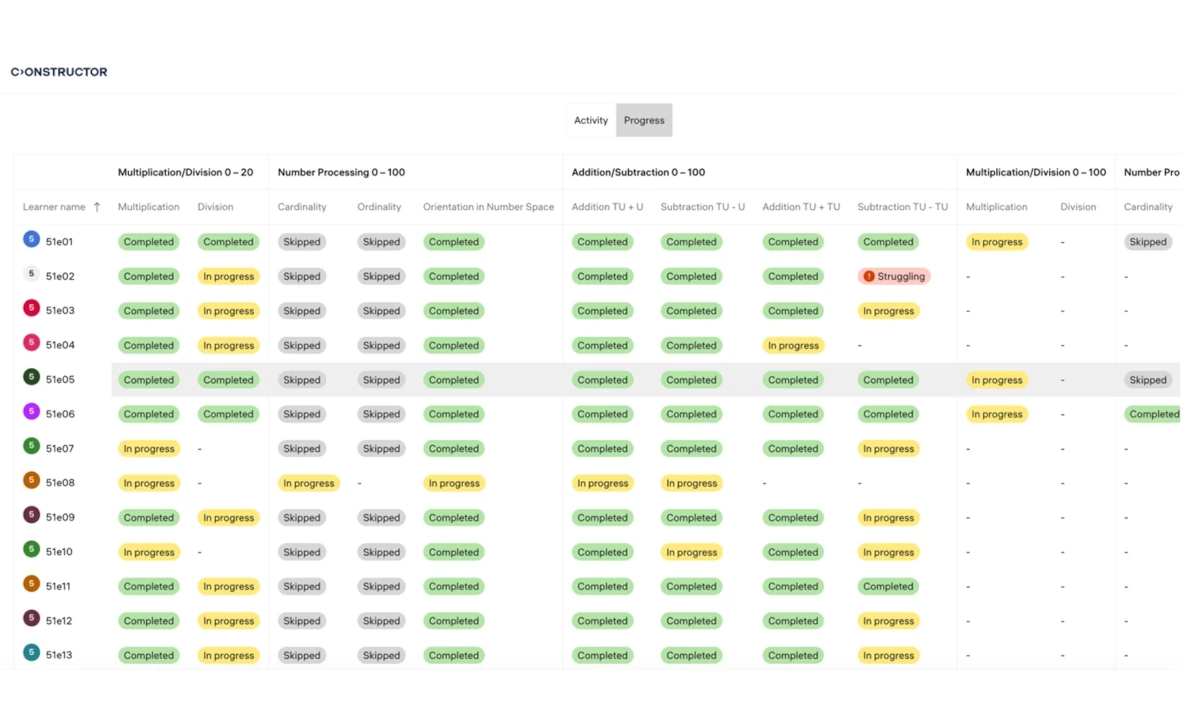
Our platform provides a comprehensive overview of all the skills acquired by learners. The table offers a bird's-eye view of the class's overall progress, allowing teachers to easily see which skills have been completed, which are in progress, and which learners are struggling.
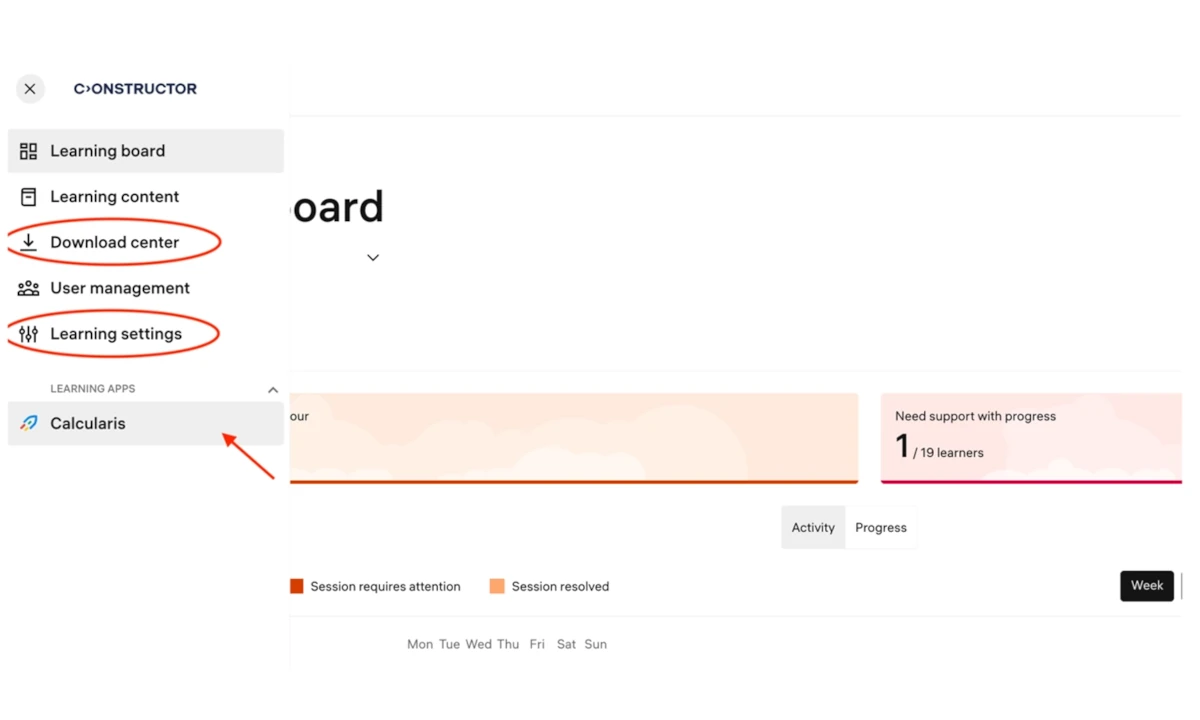
The sidebar menu provides quick and easy access to the most frequently used segments. Previously, the Download Center and Learning Settings were accessible only within learner and group profiles. Now, teachers can reach these features with just one click.
Additionally, launching learning apps is more convenient than ever — teachers no longer need to navigate to the Cockpit. They can now access and try out apps directly within the Coach platform.
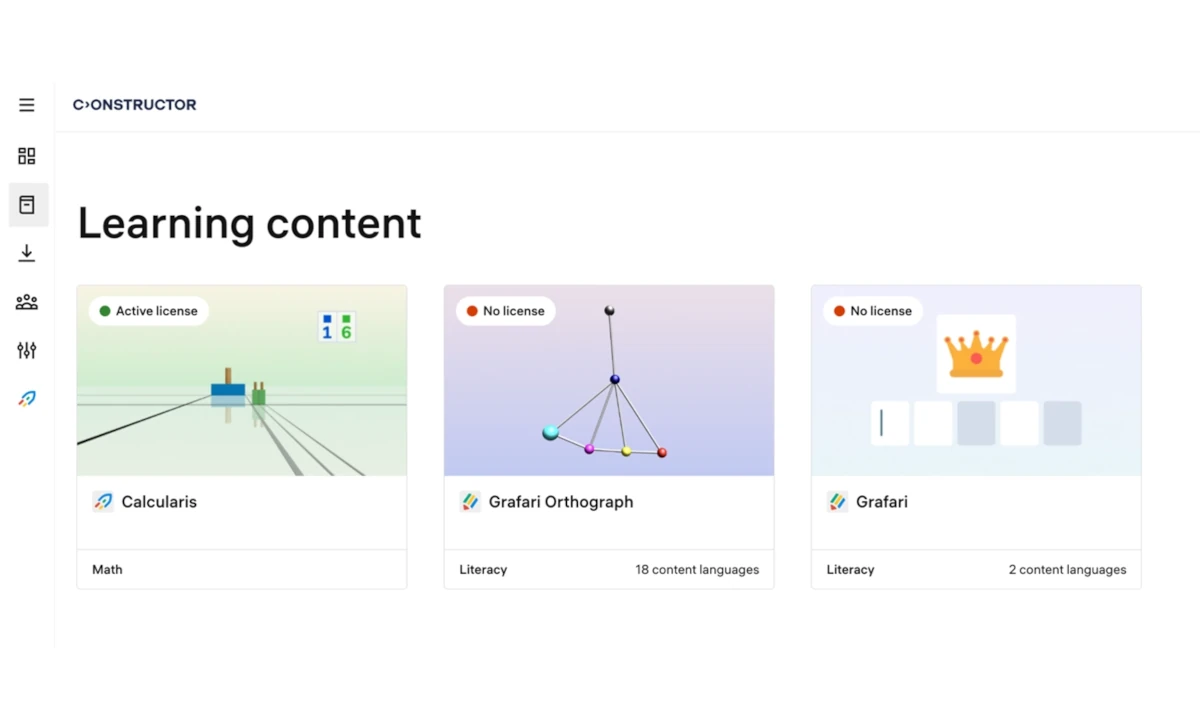
This block displays the content areas, topics, and exercises available in each of our three applications. The learning content is designed to support teachers methodologically, helping them decide how to best use our applications to provide optimal support for their learners. Even if teachers do not currently have a license for one of our programs, such as Grafari for example, they can still view its description, which may influence their decision to purchase licenses for their class.
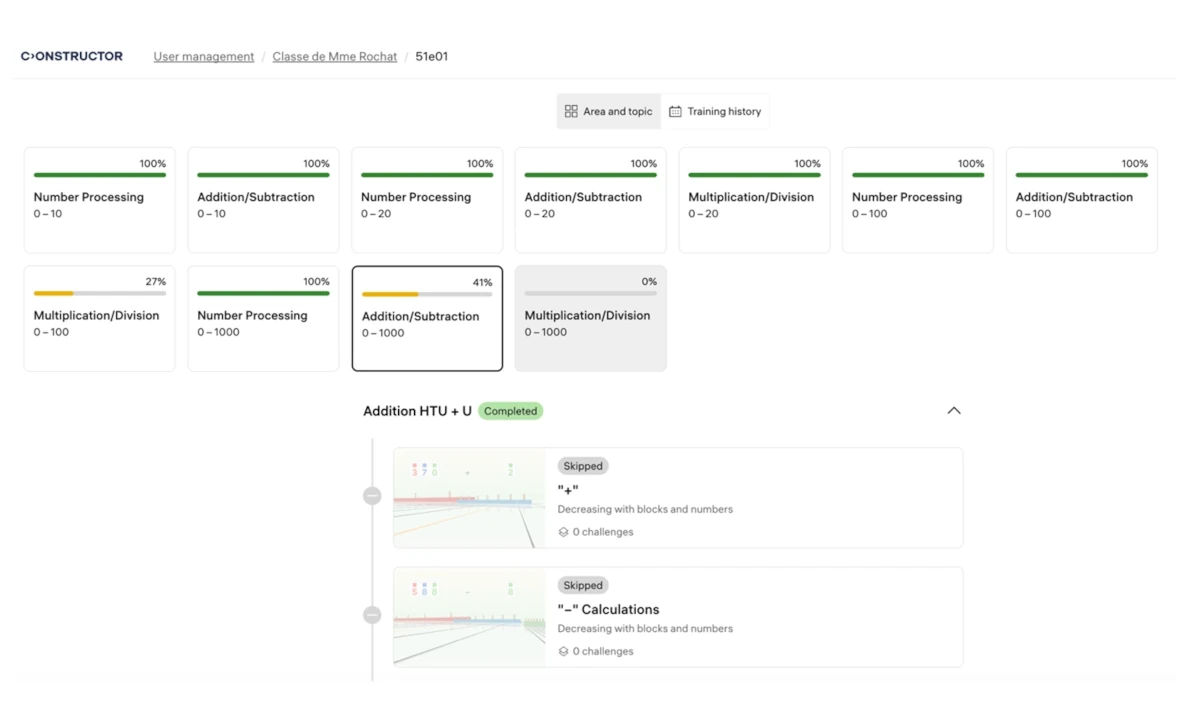
The Area & Topic feature allows teachers to monitor an individual student's progress within a specific topic, providing a clear view of the advancements made.
Teachers can access highly specific and precise details for each exercise, including every challenge presented, the given and correct answers, timestamps, and the total number of challenges in each exercise. The Training History feature serves as a powerful tool for analyzing learners’ performance over time, providing a chronological record of each day's training activities.